

































Professional Diploma In HVAC & Designing

Google-colorCreated with Sketch.
⭐⭐⭐⭐⭐4.9 Rating
ISO Certification
100% Placement Assistance
5000+ Students Trained
100% Practical Training
15+ Years Experience

Book Your Free Demo Class

Talk to a counsellor today and unlock your CAD career path.

By submitting, you agree to receive a callback from our team.

What is HVAC & Designing ?

At Caddesk Bangalore, you’ll have the chance learn in a number of various ways. The job objective for a career in the Heating Ventilation and air conditioning field is very positive and prosperous. if you choose these type of career, you  can earn respect.Initially If you start the career with less pay , after get experience, you can start your business. Caddesk Bangalore Is Best HVAC Training Institute In Bangalore With 100% Placement assistance. We Have a dedicated team for placement assistance.

Every aspect of our mechanical faculty are enriched with creating an atmosphere conducive to learning, while instilling a high level of business ethics and professionalism. It refers to various systems and technologies to used to regularize the indoor air quality in an enclosed space.  HVAC system maintains a regulated temperature, controls the level of humidity and ensures optimal air quality.HVAC is one of best phenomenol course for aspiring mechanical engineers. It is  Caddesk Bangalore provides education and training in a wide range of technical areas that enable graduates to acquire entry level employment.  At Caddesk Bangalore, you’ll have the chance learn in a number of various ways. The job objective for a career in the Heating Ventilation and air conditioning field is very positive and prosperous. if you choose these type of career, you  can earn respect.Initially If you start the career with less pay , after get experience, you can start your business. Caddesk Bangalore Is Best HVAC Training Institute In Bangalore With 100% Placement assistance. We Have a dedicated team for placement assistance.

Duration

40 Days

Projects

15+ Live Projects

Software

Latest AutoCAD

Certification

ISO Certificate

Placement Assistance

100%

Mode

Offline + Online

Professional Diploma In HVAC & Designing Course Curriculum

Module 1: Introduction to AutoCAD
  • Overview of the AutoCAD interface and workspace
  • Basic navigation and commands
  • Setting up a drawing (units, limits, and scales)
  • Understanding file formats (DWG, DXF, etc.)
  • Introduction to the 3D modeling workspace
  • Creating basic 3D shapes (boxes, spheres, cylinders, and cones)
  • Understanding coordinate systems (UCS, WCS)
  • Viewing and navigating 3D models (orbit, pan, and zoom)
  • Solid modeling techniques (extrude, revolve, sweep, loft)
  • Surface modeling and mesh modeling
  • Modifying 3D models (union, subtract, intersect, fillet, chamfer)
  • Applying materials and rendering
  • Creating and managing 3D blocks
  • Solid modeling techniques (extrude, revolve, sweep, loft)
  • Surface modeling and mesh modeling
  • Modifying 3D models (union, subtract, intersect, fillet, chamfer)
  • Applying materials and rendering
  • Creating and managing 3D blocks
  • Creating and managing layouts
  • Viewports and scaling in layouts
  • Plotting and printing drawings
  • Exporting drawings to PDF and other formats
  • Plot styles and plot configurations
  • Customizing the user interface (toolbars, ribbons, and menus)
  • Creating and using custom tool palettes
  • Introduction to AutoLISP and basic scripting
  • Automating tasks with macros and an action recorder
  • Setting up and using custom templates
  • Working with external references (Xrefs)
  • Importing and exporting data (DWF, PDF, GIS, etc.)
  • Using Design Center and Content Explorer
  • Collaboration tools and workflows
  • Cloud-based collaboration (AutoCAD Web and Mobile apps)
  • Understanding the role of Revit MEP in the BIM workflow
  • Navigating the Revit MEP interface and work environment
  • Configuring project settings and units for MEP projects
  • Setting up work sharing and collaboration tools
  • Creating and editing MEP systems (mechanical, electrical, plumbing)
  • Placing MEP fixtures and equipment
  • Utilising system types and connectors for MEP elements
  • Customising and utilising MEP families
  • Designing heating, ventilation, and air conditioning (HVAC) systems
  • Placing and configuring HVAC equipment (AHUs, fans, etc.)
  • Distributing air and managing ductwork
  • Analysing airflows and performing load calculations
  • Creating electrical systems and circuitry
  • Placing electrical fixtures and equipment (lights, switches, panels)
  • Designing electrical circuits and connections
  • Load analysis and power distribution
  • Designing plumbing systems (water supply, drainage, and sanitary)
  • Placing plumbing fixtures and equipment (sinks, toilets, pipes)
  • Managing pipe routing and slope
  • Hydraulic analysis and pipe sizing
  • Designing fire protection systems (sprinklers, fire pumps, etc.)
  • Placing and configuring fire protection components
  • Analysing fire protection coverage and hydraulic calculations
  • Performing energy analysis for MEP systems
  • Evaluating MEP system efficiency and sustainability
  • Implementing green building practices
  • Coordinating with architectural and structural disciplines
  • Clash detection and resolution in a BIM environment
  • Collaborating with engineers and architects in multi-disciplinary projects
  • Managing interdisciplinary workflows

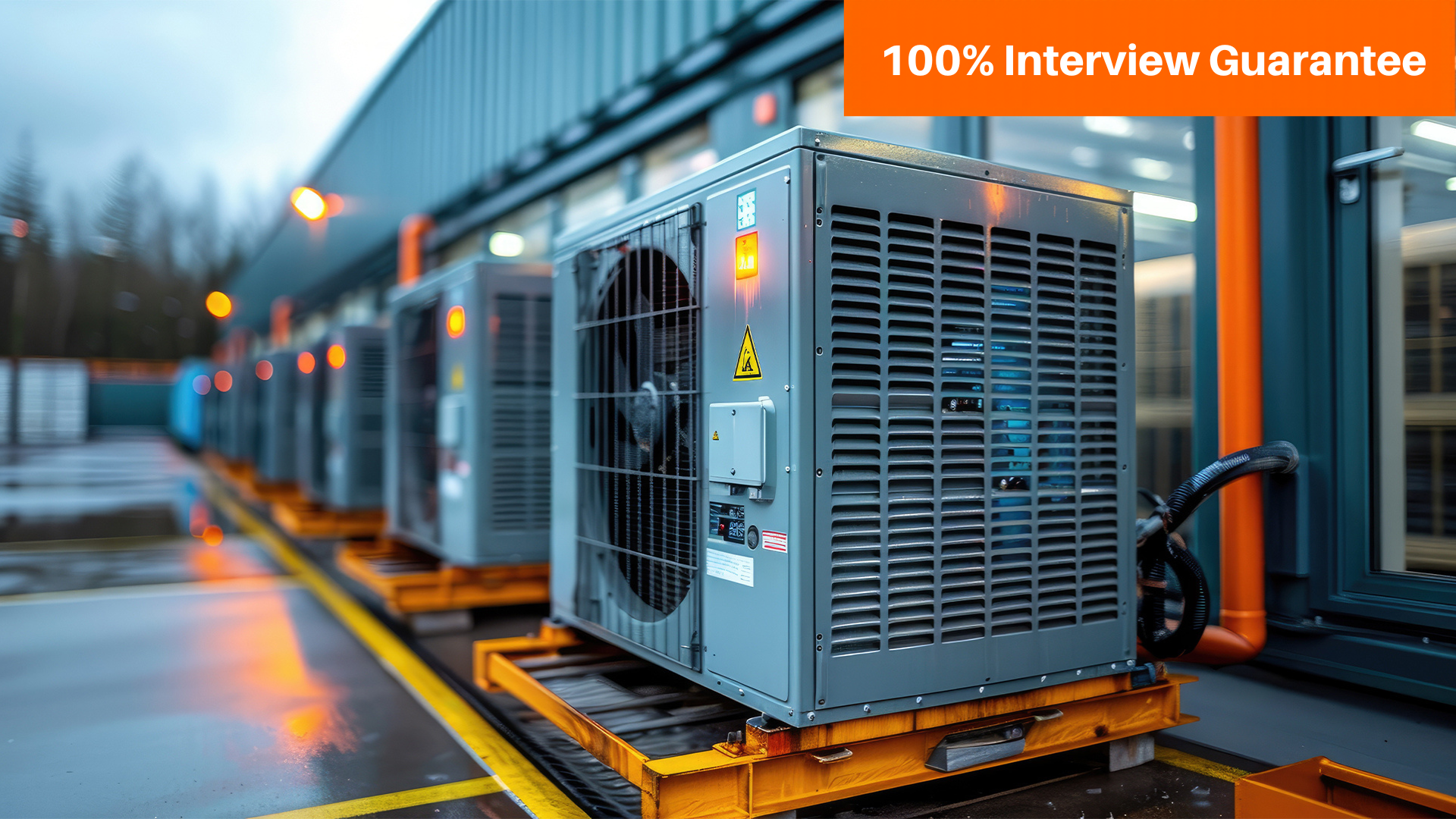
HVAC controls indoor temperature and air quality. It stands for Heating, Ventilation, and Air Conditioning. Heating and AC components regulate temperature while ventilation ensures fresher air. Efficient and eco-friendly, HVAC is crucial for comfortable and healthy environments in modern buildings.

  • This module will teach you how to design HVAC systems, such as selecting the right type of system, sizing the system, and specifying the components.
  • You will learn how to select the right type of HVAC system for a particular application.
  • You will learn how to size the HVAC system to meet the cooling and heating requirements of a building.
  • You will learn how to specify the components of the HVAC system, such as the compressor, condenser, evaporator, and fan.
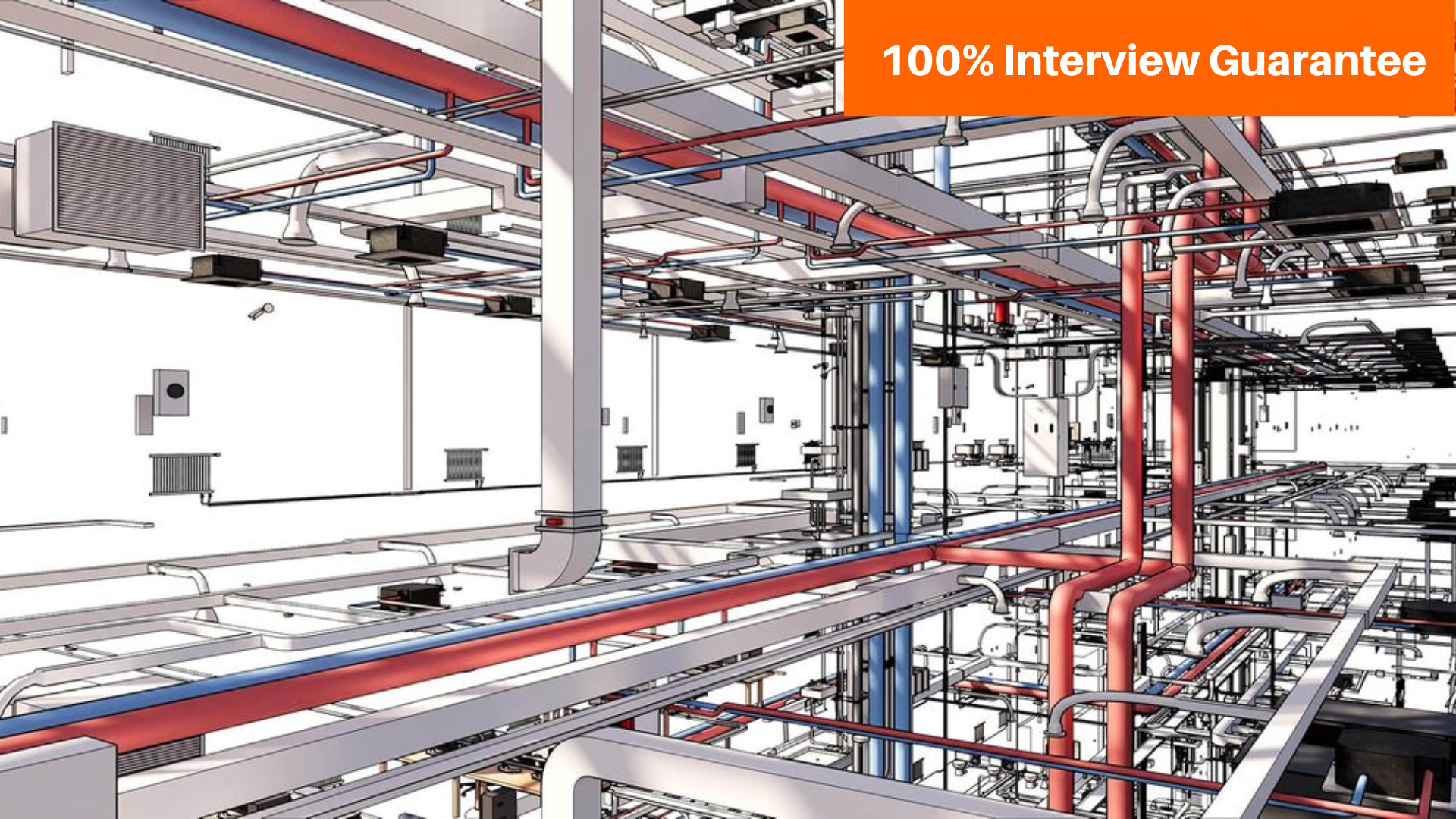
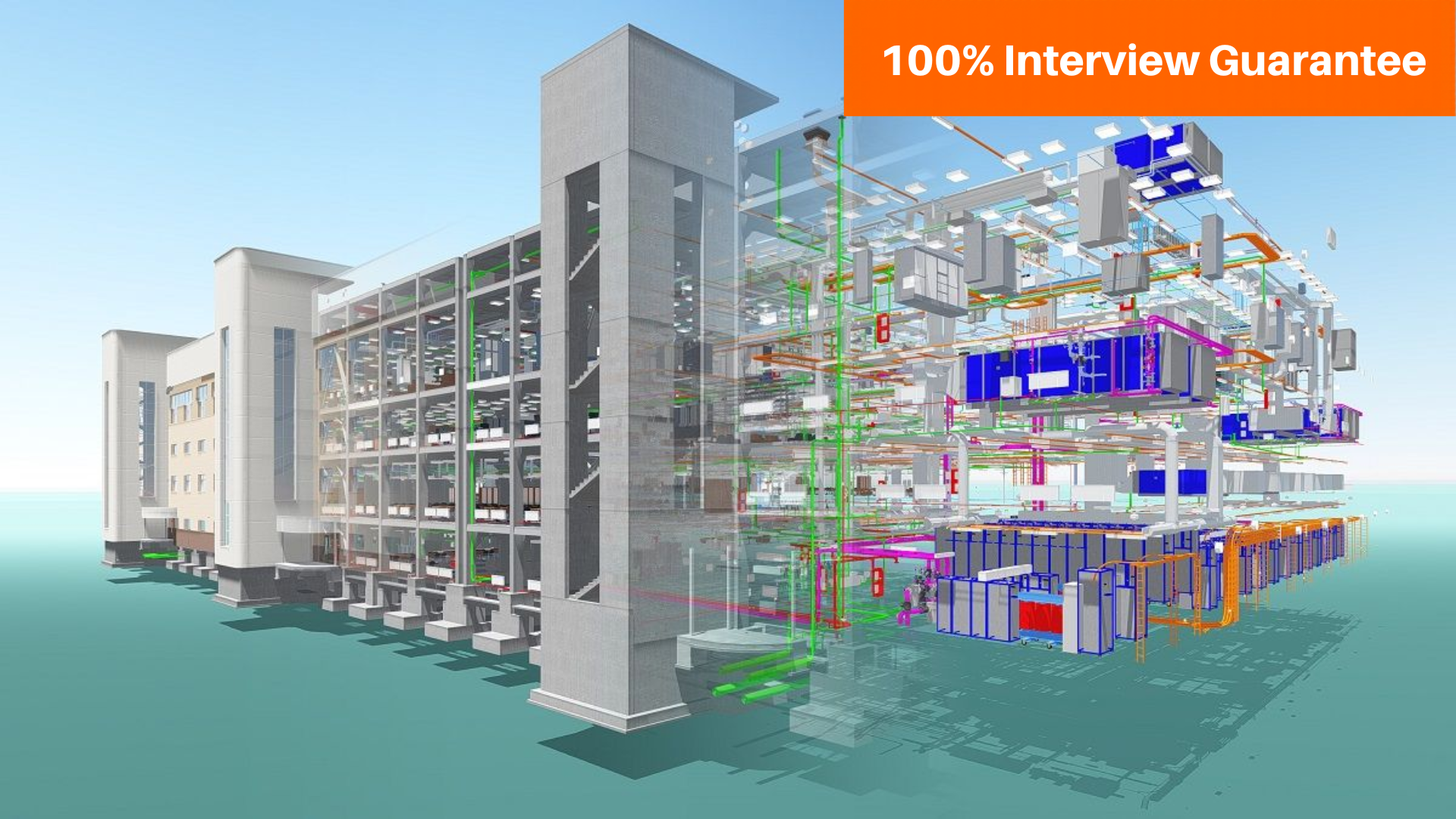
  • Explore Revit MEP to create intelligent 3D HVAC models.
  • Learn ductwork, piping, and system families
  • integrated with Building Information Modeling (BIM).
  • This module will teach you how to document HVAC systems, such as creating drawings, specifications, and manuals.
  • You will learn how to create drawings of HVAC systems, such as schematics, layouts, and details.
  • You will learn how to create specifications for HVAC systems, such as materials, equipment, and labor.
  • You will learn how to create manuals for HVAC systems, such as operating instructions, maintenance procedures, and troubleshooting guides.

Companies That Hire Our Students

Placed Students Through CADDESK Marathahalli Bangalore

Career Opportunities After HVAC & Designing Course

HVAC Design Engineer

₹3.5 LPA – ₹6 LPA

HVAC Site Engineer

₹3 LPA – ₹5 LPA

HVAC Project Engineer

₹4 LPA – ₹7 LPA

HVAC Draftsman

₹2.5 LPA – ₹4.5 LPA

HVAC Designer

₹3.5 – ₹6.5 LPA

Junior HVAC Engineer

₹3 – ₹5 LPA

Build Expertise with Industry-Standard HVAC & Designing Tools

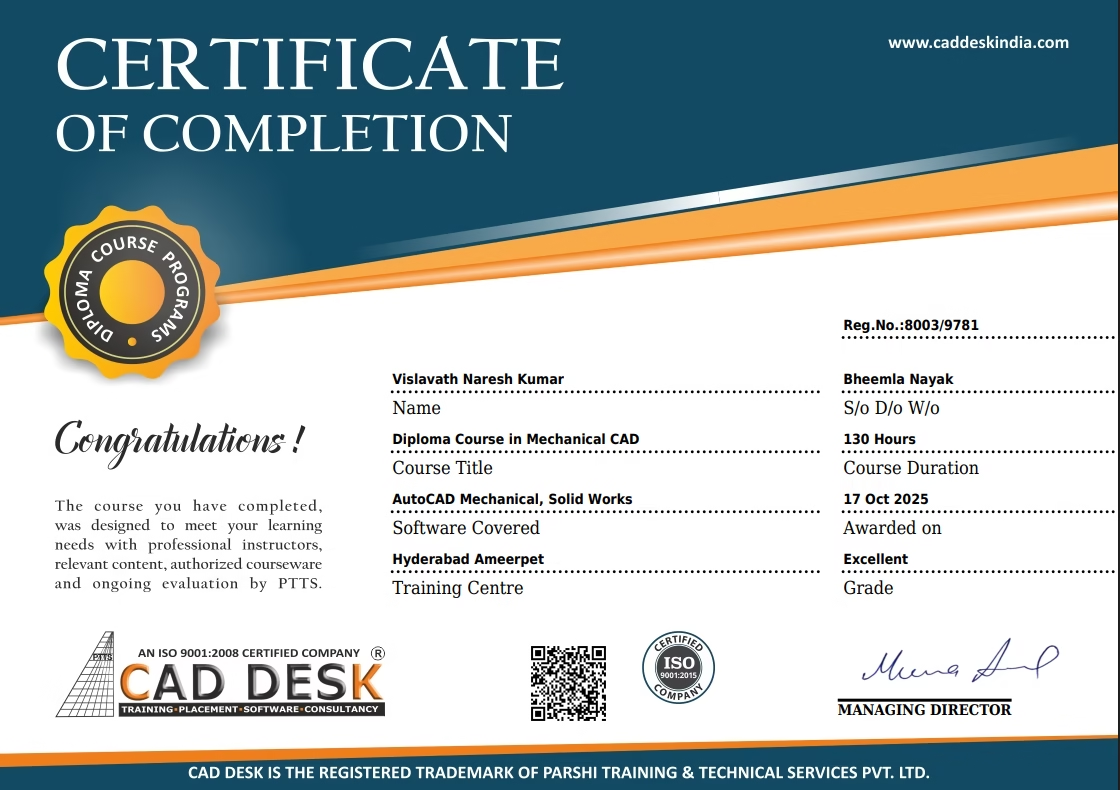
Globally Recognized Certification

Add massive value to your resume. Our certificates hold international validity and are highly respected by employers in the AEC sector across India and the Gulf region.

Why Choose CADDESK Marathahalli Bangalore

Industry Expert Trainers

Learn directly from professionals working on real-time construction and engineering projects.

100% Practical Training

Every session includes live drafting exercises, software practice, and project implementation.

Placement Assistance

Dedicated placement assistance with interview preparation and resume building.

Latest Software Versions

Practice using updated tools and workflows used in the industry.

Flexible Batches

Weekday batches available for students and working professionals.

Certification

Receive industry-recognized certification after course completion.

What Our Students Say

Explore Related Courses