


























Revit Structure Course Training Centre In Bangalore

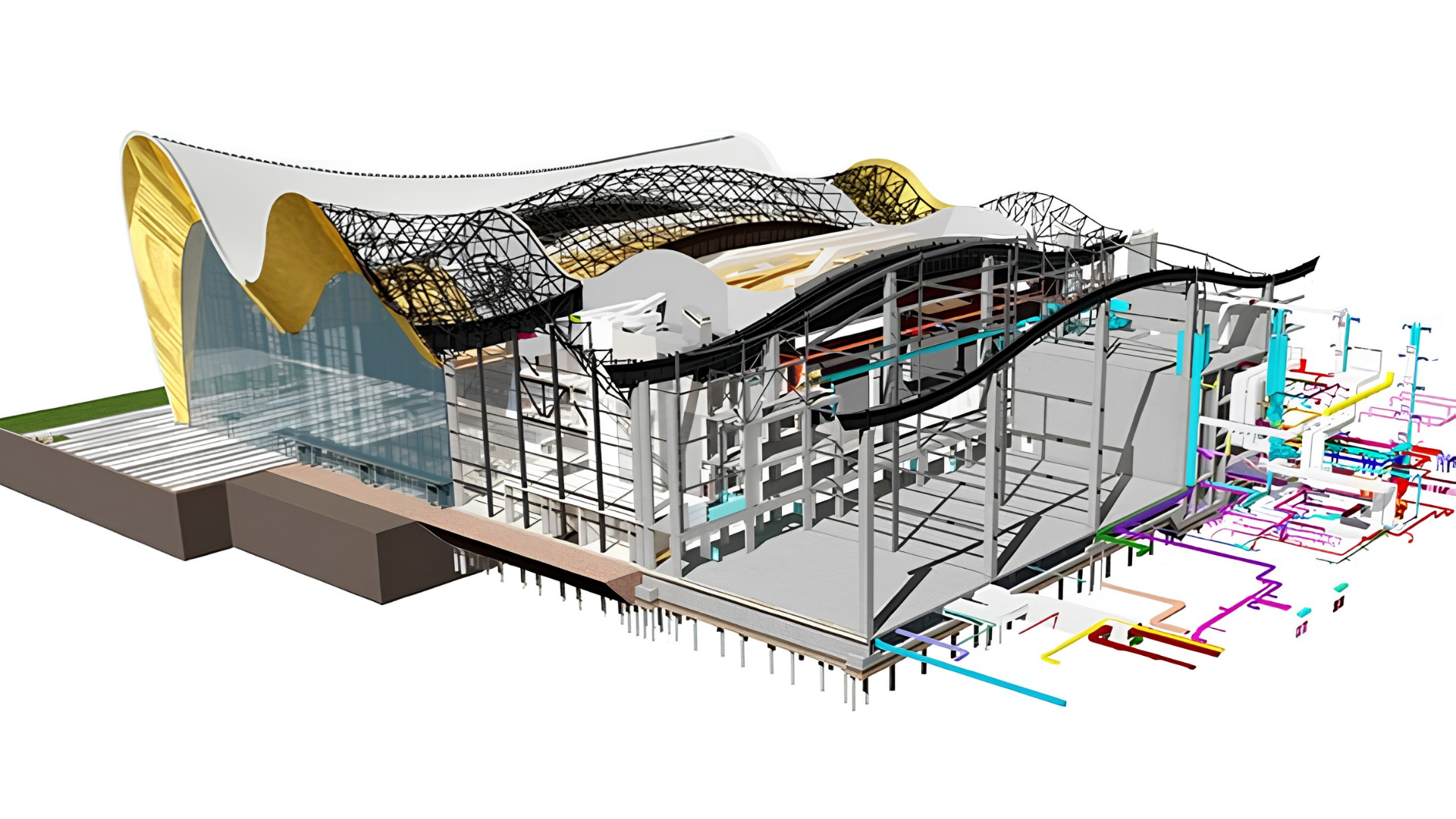
The Revit Structure Course at Caddesk Bangalore focuses on equipping students with the skills needed to use Revit Structure for structural design and modeling. Revit Structure is an essential tool for structural engineers, allowing them to create accurate models, perform analysis, and manage structural elements in buildings. 

Google-colorCreated with Sketch.
⭐⭐⭐⭐⭐4.9 Rating
ISO Certification
100% Placement Assistance
5000+ Students Trained
100% Practical Training
15+ Years Experience

Book Your Free Demo Class

Talk to a counsellor today and unlock your CAD career path.

By submitting, you agree to receive a callback from our team.

The Revit Structure Course at Caddesk Bangalore is designed for civil and structural engineers who wish to gain expertise in using Revit Structure, a powerful Building Information Modeling (BIM) tool used for designing, modeling, and analyzing the structural components of buildings. Revit Structure is widely recognized in the industry for its efficiency in integrating various design elements and for enhancing the collaboration between architects, engineers, and construction professionals. This course covers the full scope of Revit Structure, from basic concepts to advanced techniques, helping students develop the skills required to design, model, and manage structural elements effectively. The course begins with an introduction to the Revit Structure interface, tools, and features, allowing students to become familiar with the software environment. Participants learn how to create and modify structural elements such as beams, columns, slabs, and foundations, and how to model different types of structural systems. As the course progresses, students dive into more advanced topics like reinforcement modeling, structural detailing, and clash detection, which are crucial for ensuring accuracy and coordination in structural designs. Caddesk Bangalore also teaches how to integrate Revit Structure with other design tools, enabling seamless collaboration with architects and other professionals involved in the project lifecycle. Throughout the course, practical exercises and case studies are provided to help students gain hands-on experience. Students are tasked with creating complete structural models for different building types, which they can later use as portfolio examples. This approach ensures that students not only understand how to use Revit Structure but also how to apply it in real-world projects. The course also covers key aspects such as project management, file management, and teamwork, which are essential when working on large-scale building projects. The Revit Structure Course at Caddesk Bangalore is available in both offline and online formats, offering flexibility to suit the needs of different learners. The online format allows students to learn at their own pace while still receiving expert guidance and support, whereas the offline format offers the benefit of face-to-face interaction with instructors. Regardless of the format, students have access to all necessary resources, including course materials, software, and practice files, to help them succeed in mastering Revit Structure. Upon completion of the course, students receive a certificate from Caddesk Bangalore, which is recognized by top employers in the industry. The certificate adds value to a student’s resume and helps improve their chances of securing job opportunities in leading architecture, engineering, and construction firms. Moreover, Caddesk Bangalore offers job placement assistance, helping students connect with industry professionals and employers looking for skilled professionals with expertise in Revit Structure. Revit Structure Course at Caddesk Bangalore provides a comprehensive and practical learning experience for those looking to specialize in structural design and modeling. With expert instructors, hands-on training, and flexible learning options, Caddesk Bangalore offers a top-tier training program for students and professionals seeking to master Revit Structure and advance their careers in structural engineering. Best Revit Structure course in Bangalore.

15+ Years

Training Excellence

Revit Structure Course from Basics to Advanced

Industry Projects
Practical Exercises
Expert Faculty
Autodesk Standards

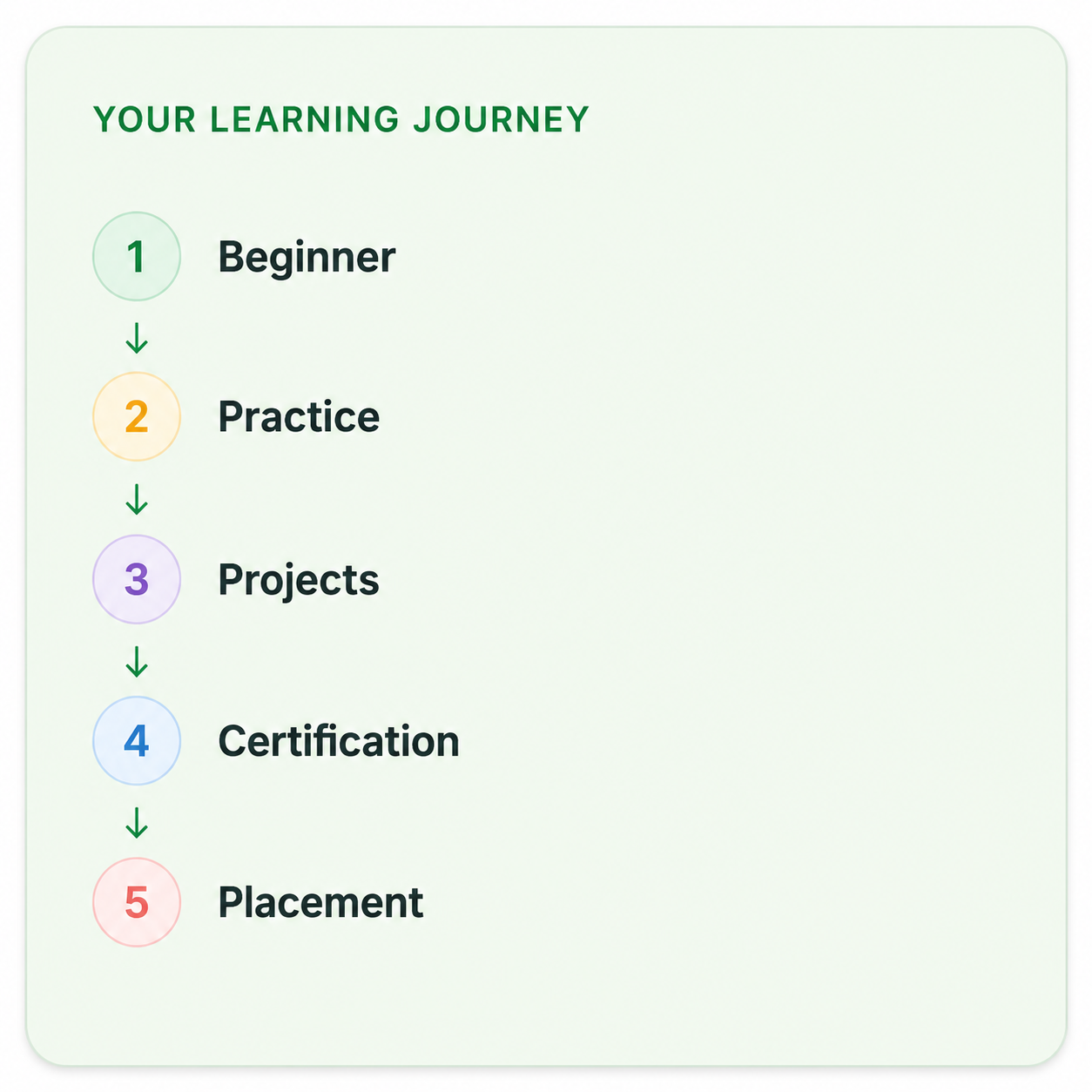
Your Complete Revit Structure Course Learning Journey

Duration

40 Days

Projects

15+ Live Projects

Software

Latest Revit Structure

Certification

ISO Certificate

Placement Assistance

100%

Mode

Offline + Online

Revit Structure Course Curriculum

Module 1: Introduction to Revit Structure
  • Overview of Building Information Modeling (BIM) and its benefits.
  • Installation and setup of Revit Structure.
  • Navigating the Revit interface: ribbons, views, and properties.
  • Understanding parametric relationships in Revit.
  • Creating basic structural elements: walls, floors, and roofs.
  • Using grids and levels to organize the model.
  • Detailed modeling of structural components:
    • Columns: types, placements, and modifications.
    • Beams: creating and modifying beam systems.
    • Slabs: designing floor systems and detailing.
  • Creating foundations and footings.
  • Understanding and modeling brace systems and trusses.
  • Using templates and families for custom structural elements.
  • Applying dead, live, wind, and seismic loads to structural models.
  • Defining load combinations according to relevant codes.
  • Understanding the effects of loads on structural elements.
  • Performing basic structural analysis within Revit.
  • Using analytical models for simulations.
  • Understanding load paths and their implications on design.
  • Overview of design codes and standards relevant to structural engineering (e.g., AISC, ACI).
  • Using Revit tools for design checks and compliance verification.
  • Generating design reports and documentation.
  • Automating the generation of structural drawings and details.
  • Annotating drawings: dimensions, notes, and tags.
  • Creating schedules for materials and components.
  • Techniques for effective collaboration with architects and MEP engineers.
  • Using worksets and project sharing for team projects.
  • Conflict detection and resolution tools in Revit.
  • Creating renderings and walkthroughs of structural designs.
  • Exporting models for presentations and stakeholder reviews.
  • Using visualization tools to communicate design intent.

Companies That Hire Our Students

Placed Students Through CADDESK Marathahalli Bangalore

Build a Successful Career in Design

Revit Structure Modeler

₹3.5 – ₹6 LPA

BIM Structural Modeler

₹4 – ₹6.5 LPA

Structural BIM Engineer

₹4 – ₹6.5 LPA

Structural Design Engineer

₹3.5 – ₹6 LPA

Structural Draftsman

₹3 – ₹5 LPA

Junior Structural Engineer

₹3.5 – ₹6 LPA

Live + Recorded

Learn at your pace

Revit Structure Course Highlights

Live Online Classes
Project-Based Learning
Trainer Support
Flexible Timings
Certification
Placement Assistance

Online Revit Structure Course Training Centre in Bangalore

The Online Revit Structure Course at Caddesk Bangalore is an excellent option for individuals looking to learn Revit Structure at their own pace while receiving expert guidance. This course is designed for civil engineers, structural designers, and professionals in the construction industry who want to enhance their skills in using Revit Structure for designing and modeling structural elements. The online format offers the flexibility to learn from anywhere, making it ideal for working professionals, students, or anyone looking for a flexible learning option. In this course, students will start with an introduction to the Revit Structure software, learning how to use its tools and features to create structural models. They will gain proficiency in creating and modifying structural elements such as beams, columns, slabs, and foundations. Students will also learn how to build 3D models of structures, which is a crucial skill for visualizing and testing the design. As the course progresses, participants will explore more advanced features of Revit Structure, such as reinforcement modeling, structural analysis, and creating detailed construction documentation. They will also learn how to work in collaboration with other disciplines, integrating their Revit models with architectural and MEP (Mechanical, Electrical, Plumbing) systems to ensure a cohesive design across the project. The online course is structured to be as interactive as possible. Students will have access to video tutorials, practice files, and live sessions with industry experts who provide real-time feedback and guidance. This hands-on approach ensures that students are not just learning the theoretical aspects of the software but also applying their skills to real-world scenarios. Online Revit Structure Course, students receive a certificate from Caddesk Bangalore, which is recognized in the industry. This certification adds value to a resume and increases employability by demonstrating expertise in Revit Structure. Caddesk Bangalore also provides job placement assistance, helping students connect with potential employers in the engineering and construction sectors. Online Revit Structure Course at Caddesk Bangalore is a highly effective and flexible way to learn Revit Structure. With access to expert instructors, detailed lessons, practical assignments, and job placement support, this course is an excellent choice for anyone looking to advance their skills in structural modeling and design using Revit Structure. Best Revit Structure course in Bangalore. 

Why CADDESK Bangalore Is the Best Revit StructureCourse Training Institute?

Caddesk Bangalore is the best Revit Structure Course for several reasons, making it an ideal destination for students and professionals aiming to advance their skills in Revit Structure. Known for its industry-driven approach, Caddesk Bangalore has earned a reputation as one of the leading Revit Structure training centres in the region. One of the key reasons Caddesk Bangalore is regarded as the best Revit Structure institute is its expert instructors. The trainers at Caddesk Bangalore are industry experts with vast practical experience in using Revit Structure for real-world projects. They bring their hands-on knowledge into the classroom, offering insights that go beyond textbook learning and equipping students with the tools and skills they need to succeed in the field. This practical expertise helps students understand how Revit Structure is applied in real construction projects, making the learning process more relevant and effective. Another major advantage is the ISO certification provided at the end of the course. This certification adds value to the student’s profile, ensuring that they have received training that meets international standards. Graduating from an ISO-certified course assures employers that students are well-prepared to use Revit Structure efficiently in a professional environment, increasing their chances of securing job opportunities. Caddesk Bangalore offers both offline and online training options, providing flexibility for students with varying schedules and preferences. The offline classes allow students to benefit from direct, face-to-face interactions with instructors, while the online course offers the same high-quality training from the comfort of one’s own home. This flexibility makes it easier for both full-time students and working professionals to learn Revit Structure at their own pace. The curriculum is specifically designed to cover all aspects of Revit Structure, from basic features to advanced tools. Students learn to create structural models, perform structural analysis, model reinforcement, and generate construction documents. By the end of the course, students are capable of creating comprehensive, professional structural designs using Revit Structure, preparing them for real-world challenges in the field of civil and structural engineering. Caddesk Bangalore provides job placement assistance for its students. The institute has strong industry connections, helping graduates connect with top engineering firms and construction companies. This assistance, coupled with the practical knowledge gained during the course, significantly increases the likelihood of students securing employment after completing the program. Overall, the combination of expert instructors, comprehensive training, flexible learning formats, ISO certification, and job placement assistance makes Caddesk Bangalore the best choice for anyone looking to pursue a Revit Structure Course in Bangalore. Whether you’re looking to upgrade your skills or start a new career in structural design, Caddesk Bangalore offers the best resources to help you succeed. Best Revit Structure Course in Bangalore. 

Why Choose CADDESK Marathahalli Bangalore

Industry Expert Trainers

Learn directly from professionals working on real-time construction and engineering projects.

100% Practical Training

Every session includes live drafting exercises, software practice, and project implementation.

Placement Assistance

Dedicated placement assistance with interview preparation and resume building.

Latest Software Versions

Practice using updated Revit Structure tools and workflows used in the industry.

Flexible Batches

Weekday batches available for students and working professionals.

Certification

Receive industry-recognized certification after course completion.

What Our Students Say

FREQUENTLY ASKED QUESTION

Is Revit used for structural design?

It allows architects to create detailed building designs, visualize the project in 3D, and produce detailed documentation and construction drawings.

What are structural plans in Revit?

The structural plan view is the default view when you start a new project using a structural template. Most projects include at least one structural plan.

Is Revit a structural analysis?

Revit’s capabilities extend to structural analysis where it can simulate and evaluate design performance under different conditions. The software provides a seamless connection between the design and analysis phases, streamlining the workflow and reducing errors

Is Revit 2D or 3D?

Revit allows you to adjust the extent of that plane (3D) as well as override the graphics in each view (2D).

Is Revit easy to learn?

Revit, frankly, is not one of the easy software to learn for beginners.

Explore Related Courses