Vray Course Training Centre In Bangalore

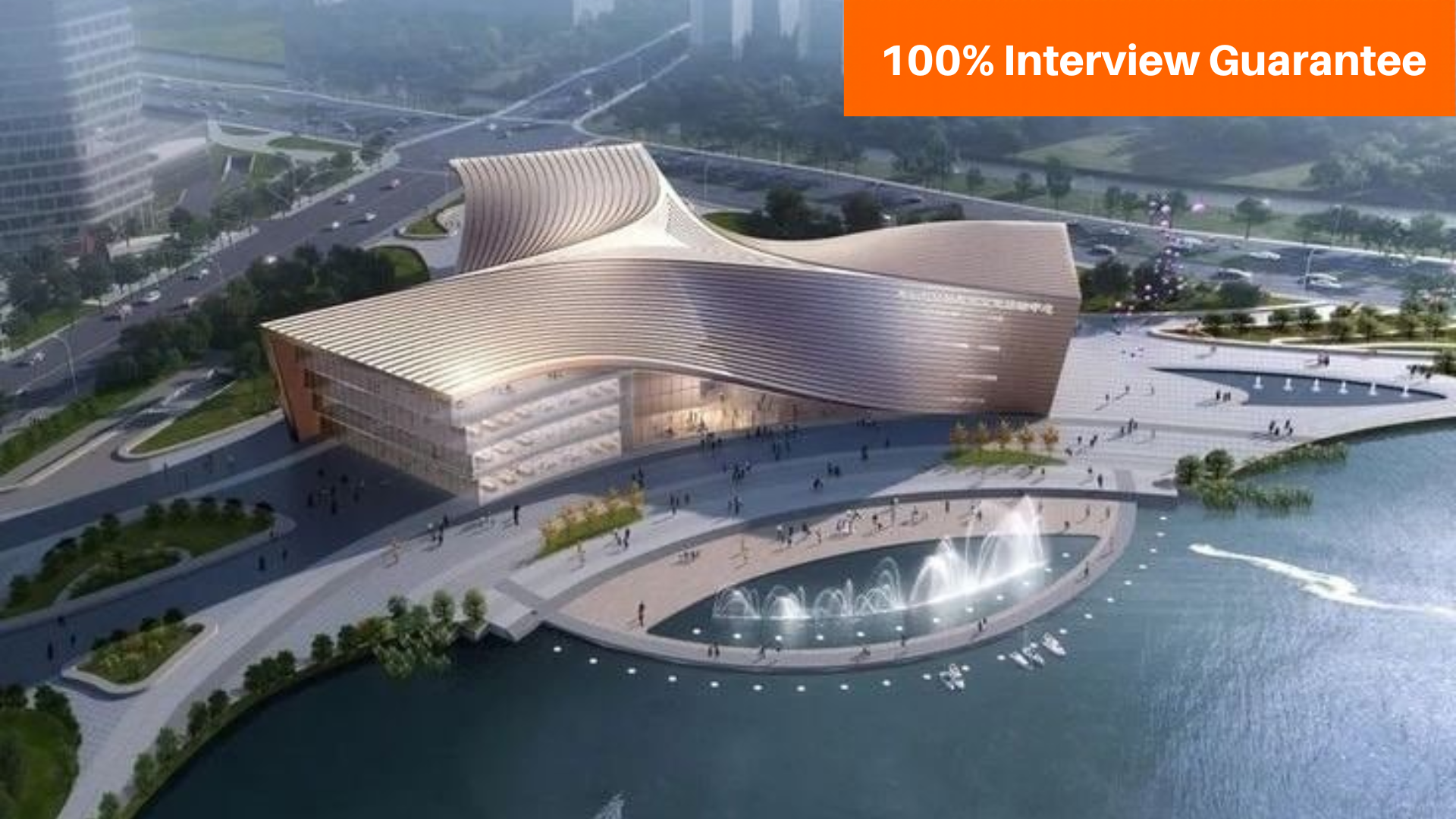
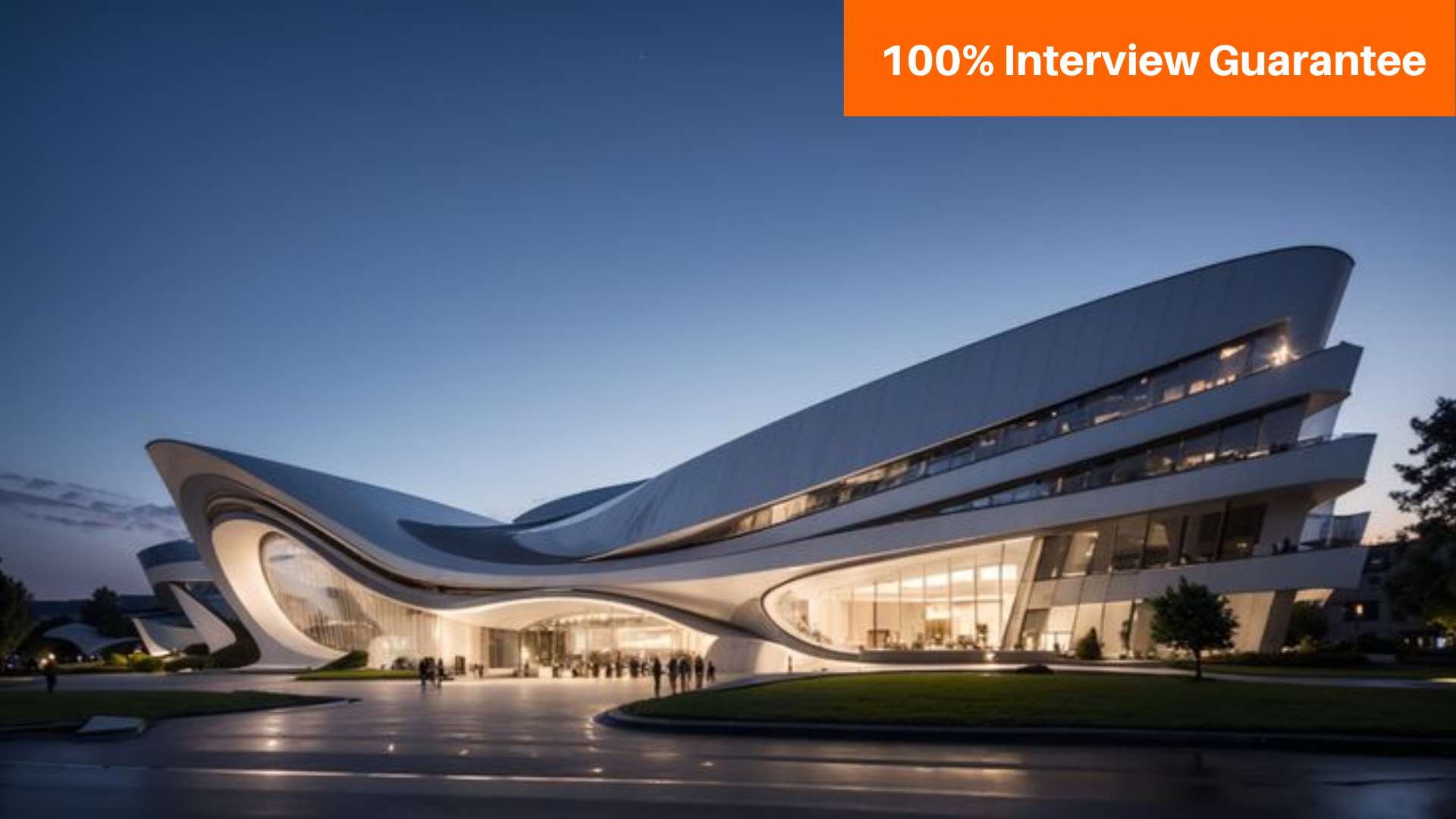
The V-Ray Course at CADDESK Bangalore offers an in-depth learning experience for anyone looking to specialize in 3D rendering and visualization. V-Ray is a powerful, industry-standard rendering engine that has become an essential tool.

Google-colorCreated with Sketch.
⭐⭐⭐⭐⭐4.9 Rating
ISO Certification
100% Placement Assistance
5000+ Students Trained
100% Practical Training
15+ Years Experience

Book Your Free Demo Class

Talk to a counsellor today and unlock your CAD career path.

By submitting, you agree to receive a callback from our team.

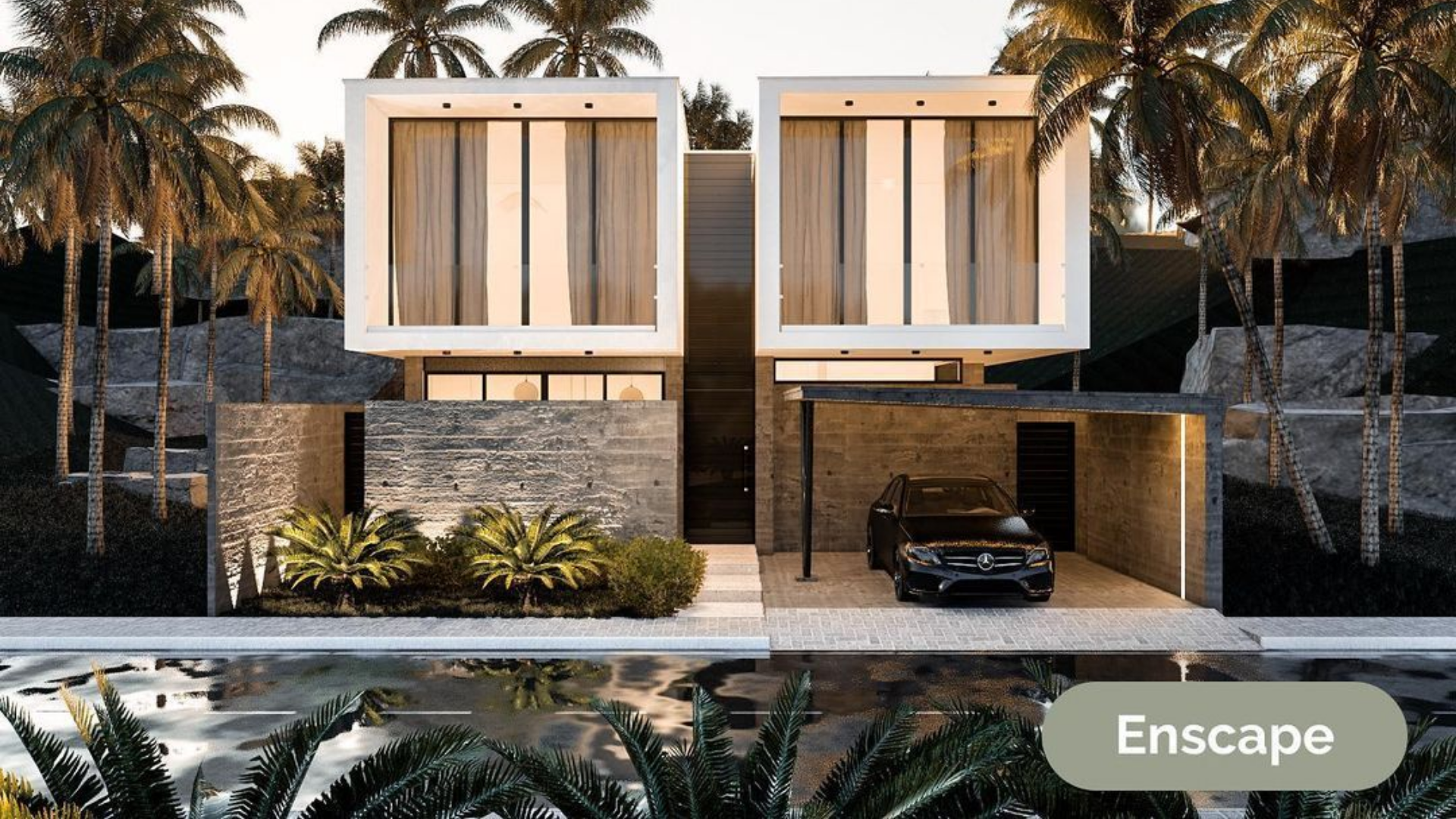
The V-Ray Course at CADDESK Bangalore is designed for anyone looking to specialize in 3D rendering and visualization. V-Ray is a popular rendering engine used by professionals in architecture, interior design, product design, and visual effects. The course welcomes beginners who want to learn the basics and advanced users who want to sharpen their skills. Students take part in hands-on exercises that cover V-Ray’s main features, such as setting up renders, working with lighting and shadows, applying materials, and creating textures. Main subjects cover setting up scenes, lighting, using materials and textures, adjusting cameras, and optimizing render times. The course also teaches advanced methods such as global illumination, caustics, and depth of field, which help create realistic images. One of the program’s main strengths lies in its focus on practical projects and case studies, helping students build a strong portfolio. The training covers rendering for both still images and animations, making it useful for people in architectural visualization, interior design, game development, and animation. CADDESK Bangalore offers both face-to-face and online classes to suit different learning styles. On-site classes are led by instructors, while online students can join live sessions, watch recorded tutorials, and get personal feedback. Both options provide thorough training with real-time support and project-based learning. By the end of the course, students will know how to use V-Ray’s core tools and produce professional-quality renderings. Graduates receive ISO certification, which adds value to their professional profile. The institute also helps with job placement, connecting students to opportunities in architecture, design, and entertainment. The skills learned in this course are directly useful for industry jobs, making it easier to start a career in 3D rendering and visualization. With expert teachers, practical learning, flexible formats, and career support, the V-Ray Course at CADDESK Bangalore is a great choice for anyone wanting to grow in design, architecture, or visual effects.
15+ Years

Training Excellence

Vray Course from Basics to Advanced

Industry Projects
Practical Exercises
Expert Faculty
Autodesk Standards

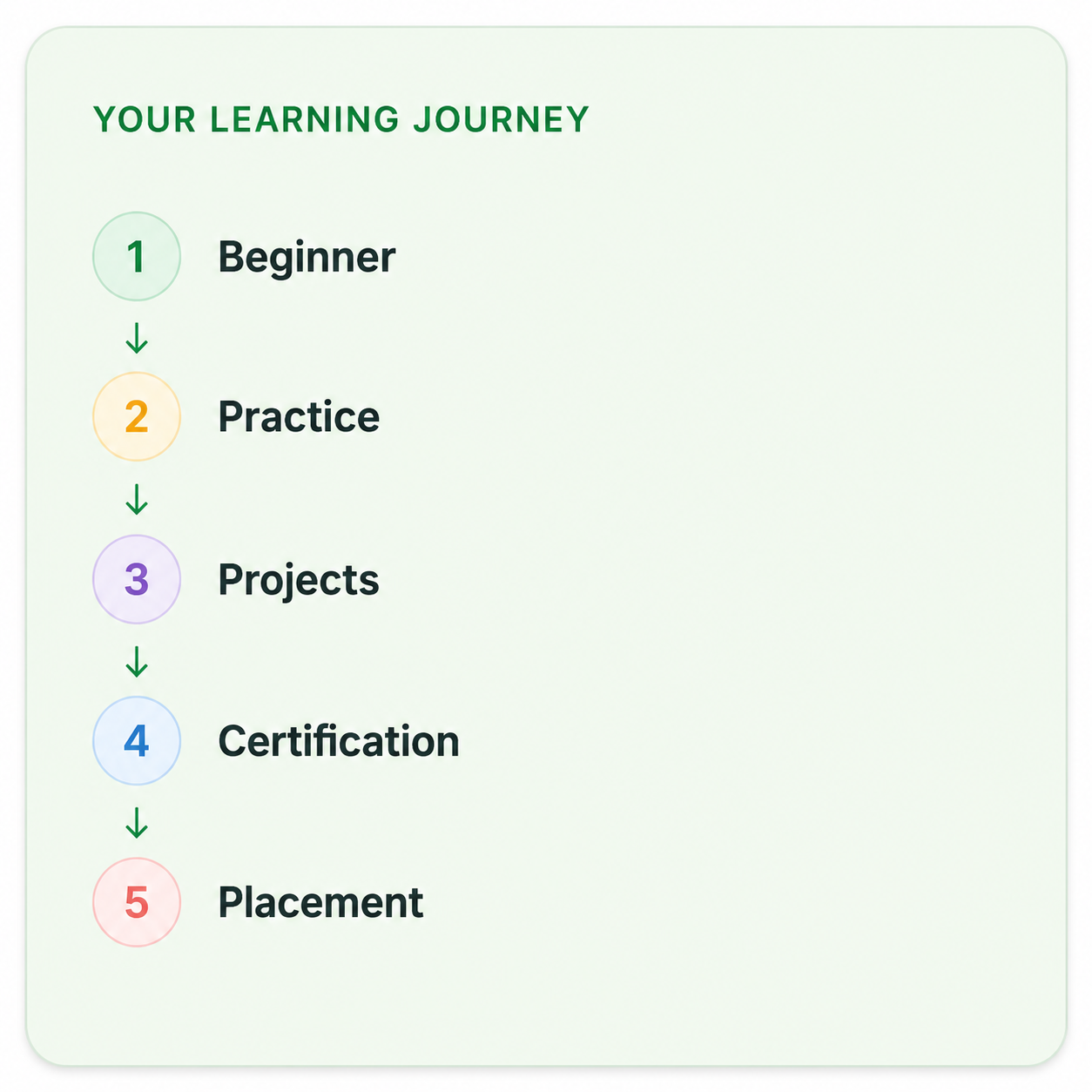
Your Complete Vray Course Learning Journey

Duration

40 Days

Projects

15+ Live Projects

Software

Latest Vray

Certification

ISO Certificate

Placement Assistance

100%

Mode

Offline + Online

Vray Course Curriculum

Module 1: Introduction to V-Ray
  • Understanding the software’s capabilities and its role in the rendering pipeline.
  • How to install V-Ray and set it up with various 3D modeling applications (e.g., 3ds Max, SketchUp).
  • Familiarization with the V-Ray interface, toolbars, and menus.
  • Introduction to rendering concepts, including ray tracing and rasterization.
  • Understanding the differences and applications of each.
  • Learning to create and modify V-Ray materials and shaders for realistic texturing.
  • Techniques for applying textures, including UV mapping and bitmap management.
  • Exploring V-Ray’s advanced material features like reflections, refractions, and displacement.
  • Overview of various light types available in V-Ray (e.g., V-Ray Sun, V-Ray IES lights).
  • Techniques for illuminating indoor scenes effectively.
  • Methods for achieving natural daylight effects in exterior scenes.
  • Understanding the properties and settings of V-Ray cameras.
  • Learning principles of visual composition to enhance render presentations.
  • Techniques for adding depth of field effects to renders.
  • Detailed exploration of V-Ray rendering settings for quality and efficiency.
  • Understanding render passes and elements for post-production work.
  • Tips and tricks for reducing render times without sacrificing quality.
  • Implementing global illumination for more realistic lighting.
  • Techniques for creating realistic light interactions in scenes.
  • Learning how to enhance images using V-Ray’s post-processing options.
  • Techniques for rendering animated sequences and camera movements.
  • Adding special effects such as fog, smoke, and particles to enhance scene realism.
  • Configuring settings for rendering animations efficiently.
  • Apply skills learned throughout the course to create a comprehensive rendering project.
  • Preparing and refining a portfolio piece to showcase V-Ray capabilities.
  • Techniques for effectively presenting your project to peers and instructors.
  • Discussion of the latest trends in rendering and visualization technologies.
  • Tips for working efficiently in a professional environment.
  • Guidance on connecting with industry professionals and communities.

Companies That Hire Our Students

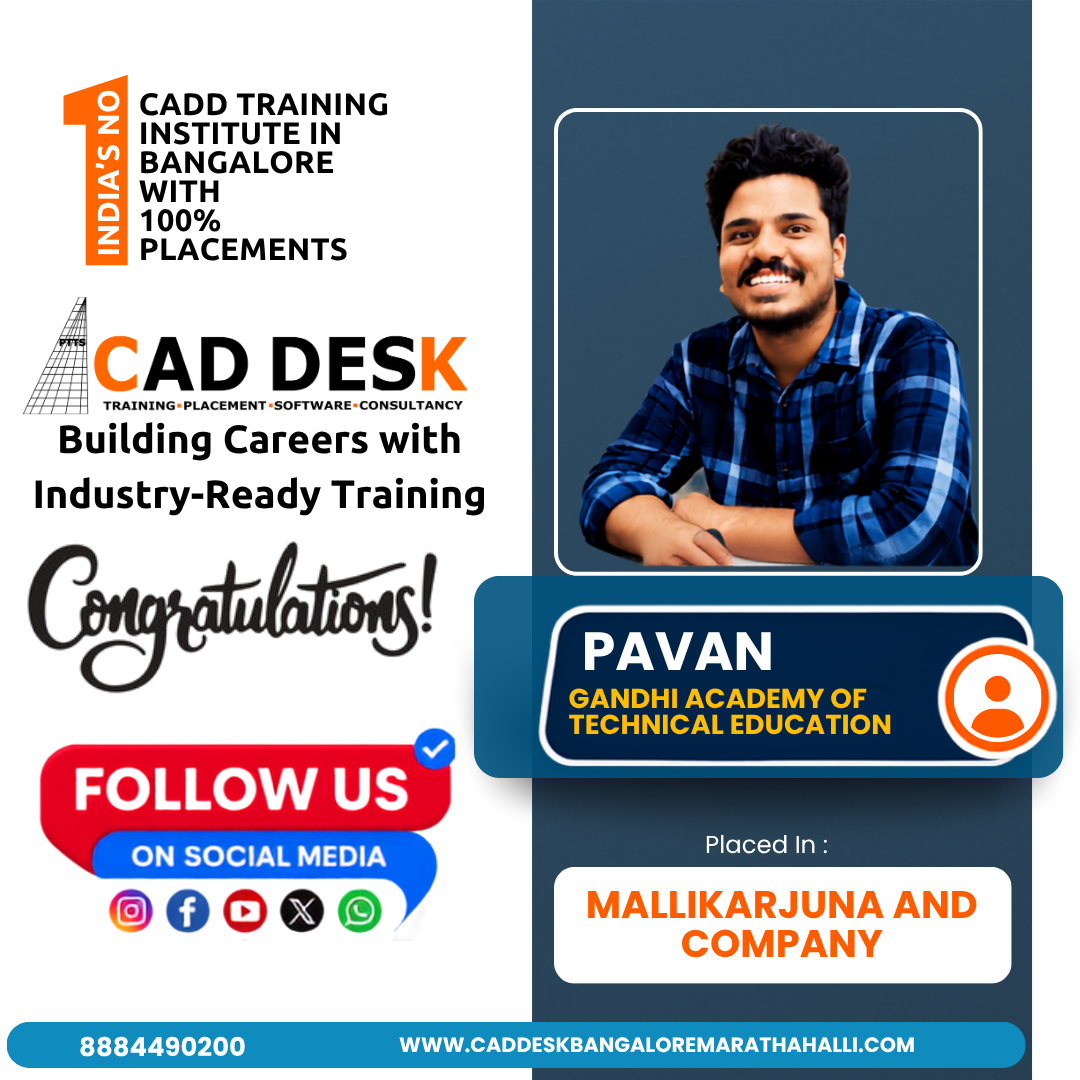
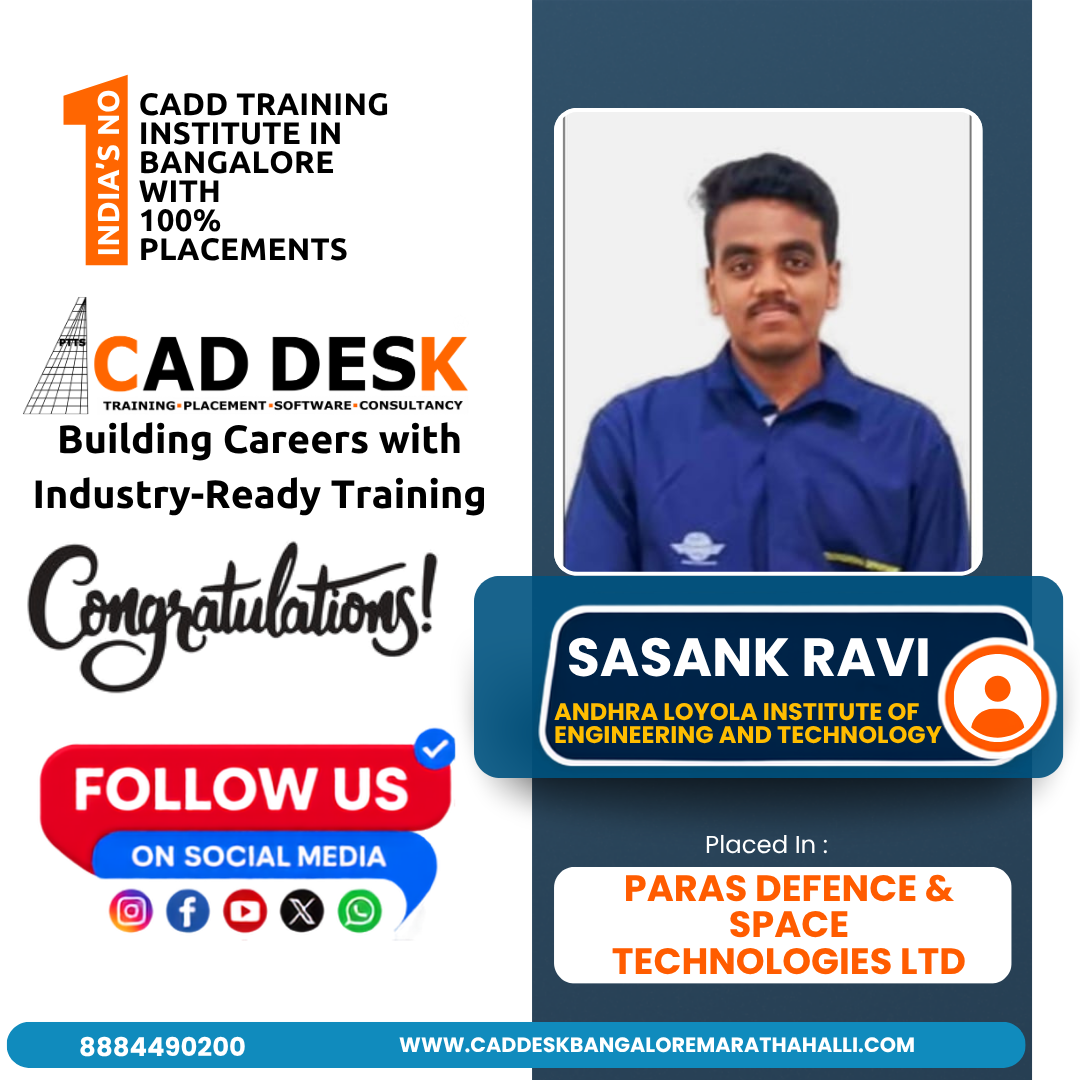
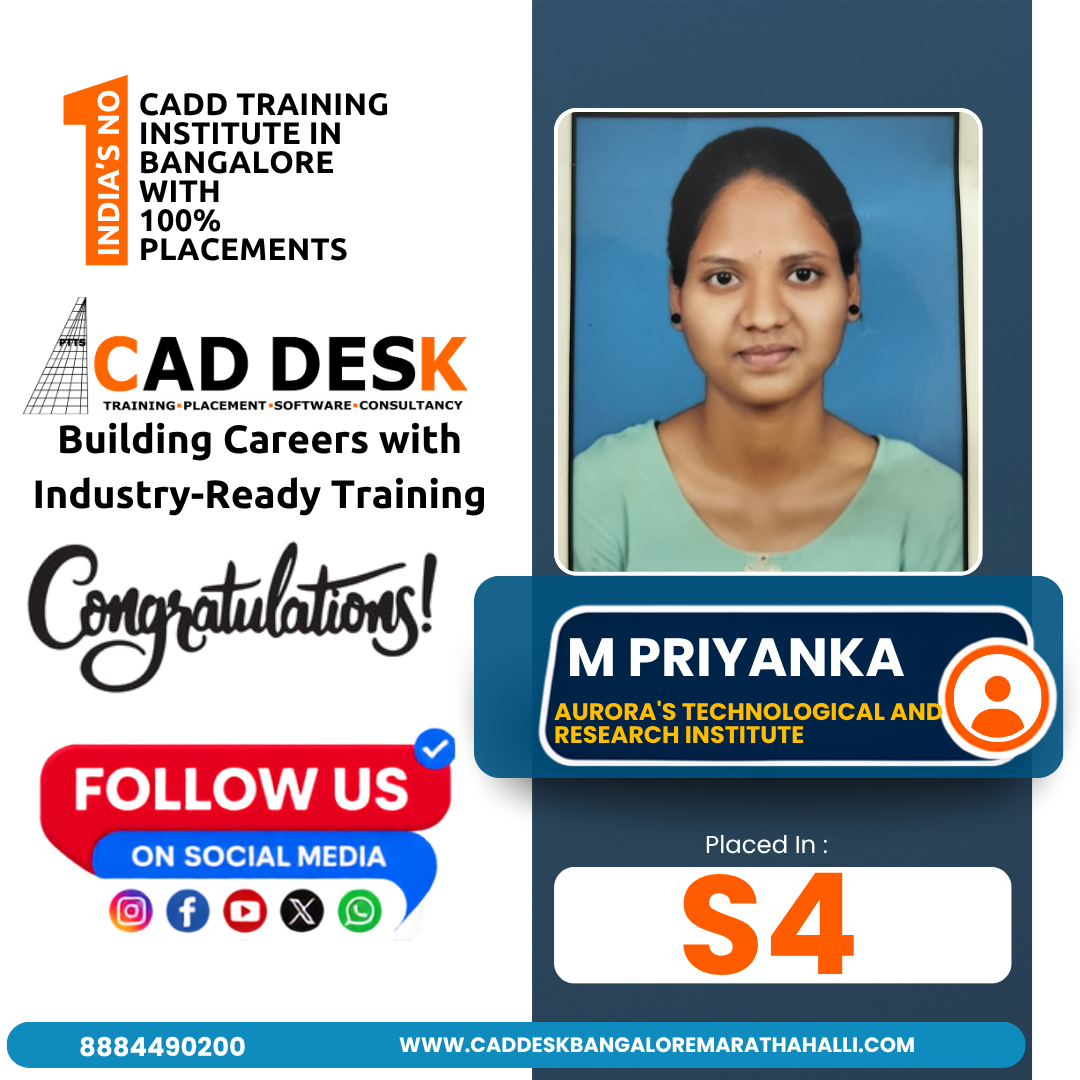
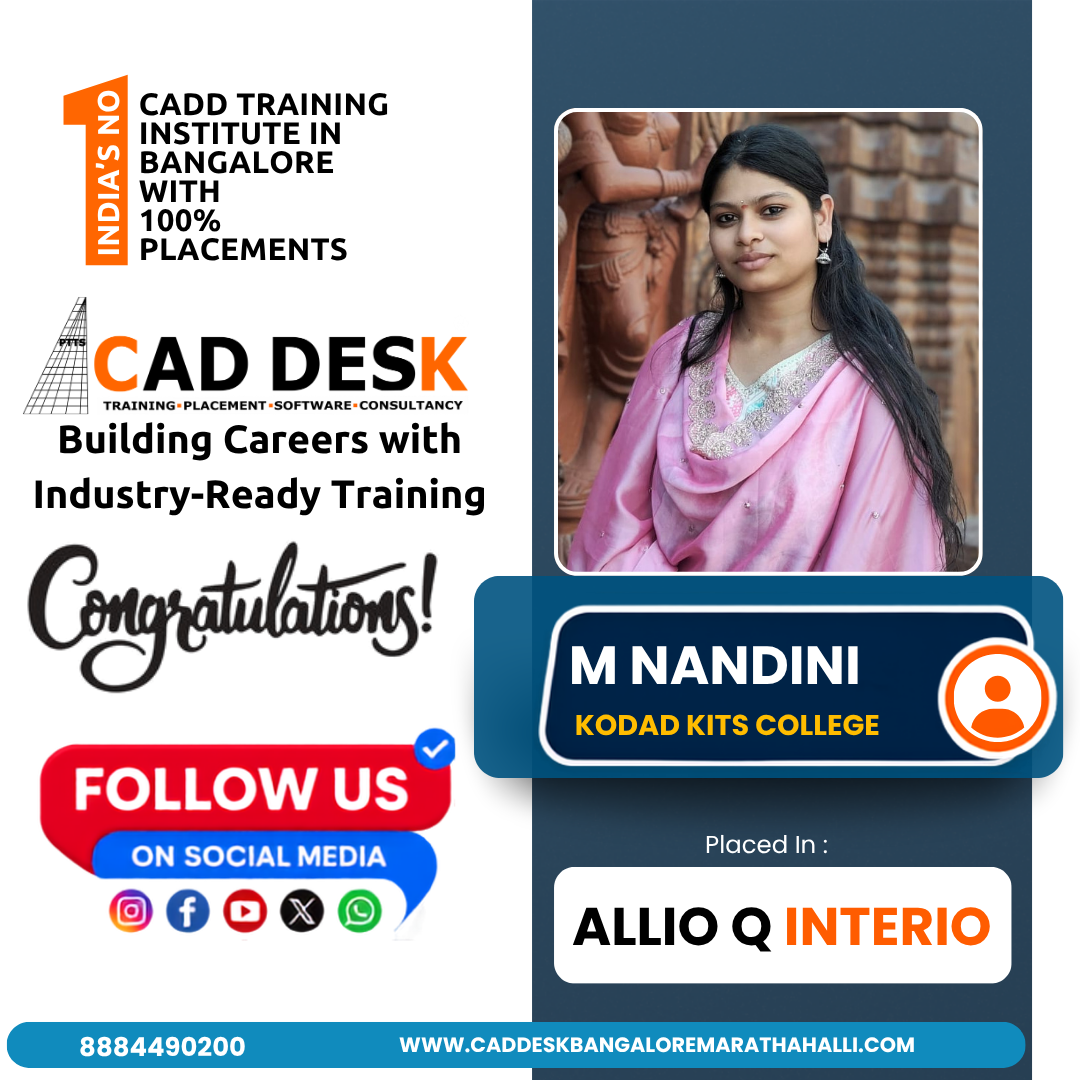
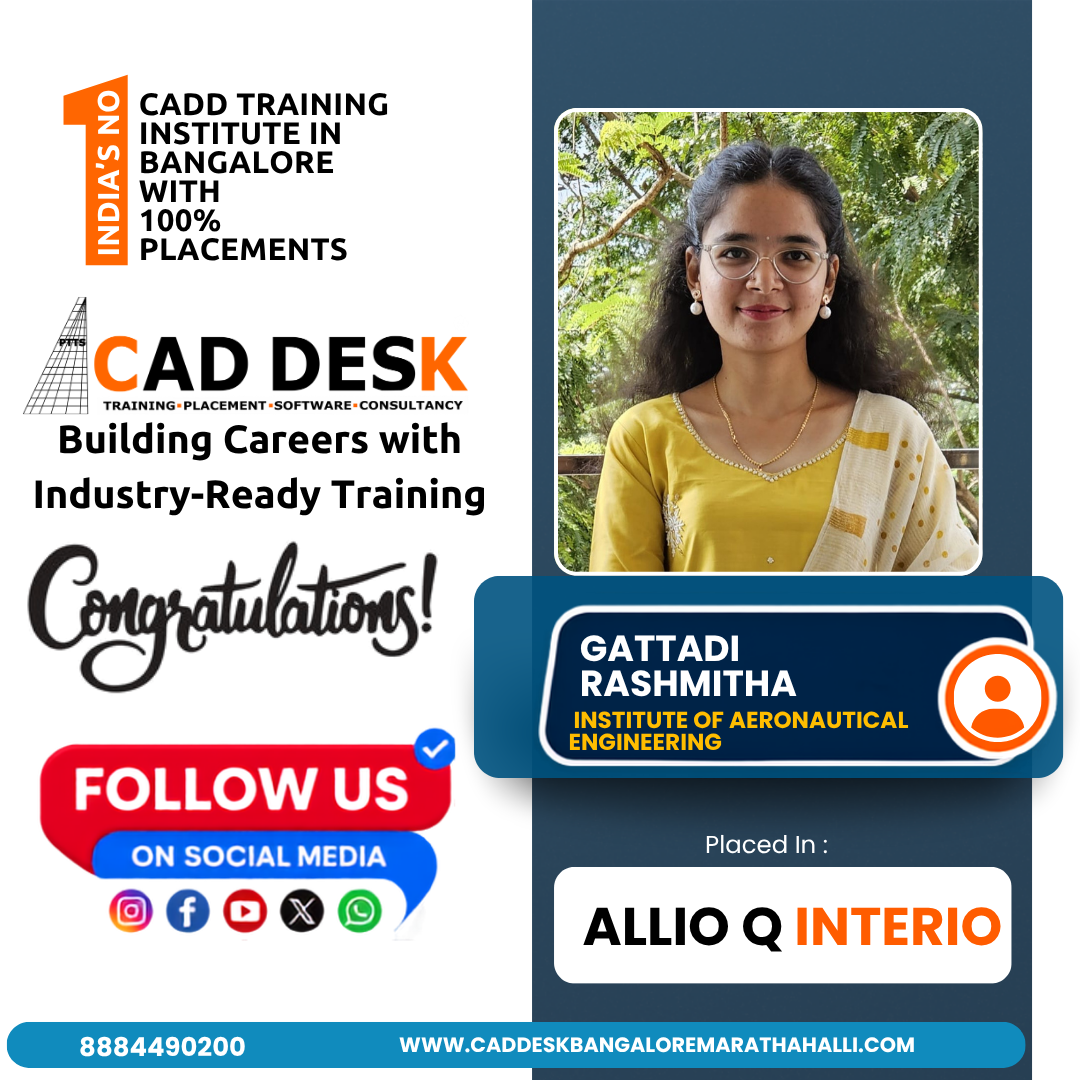
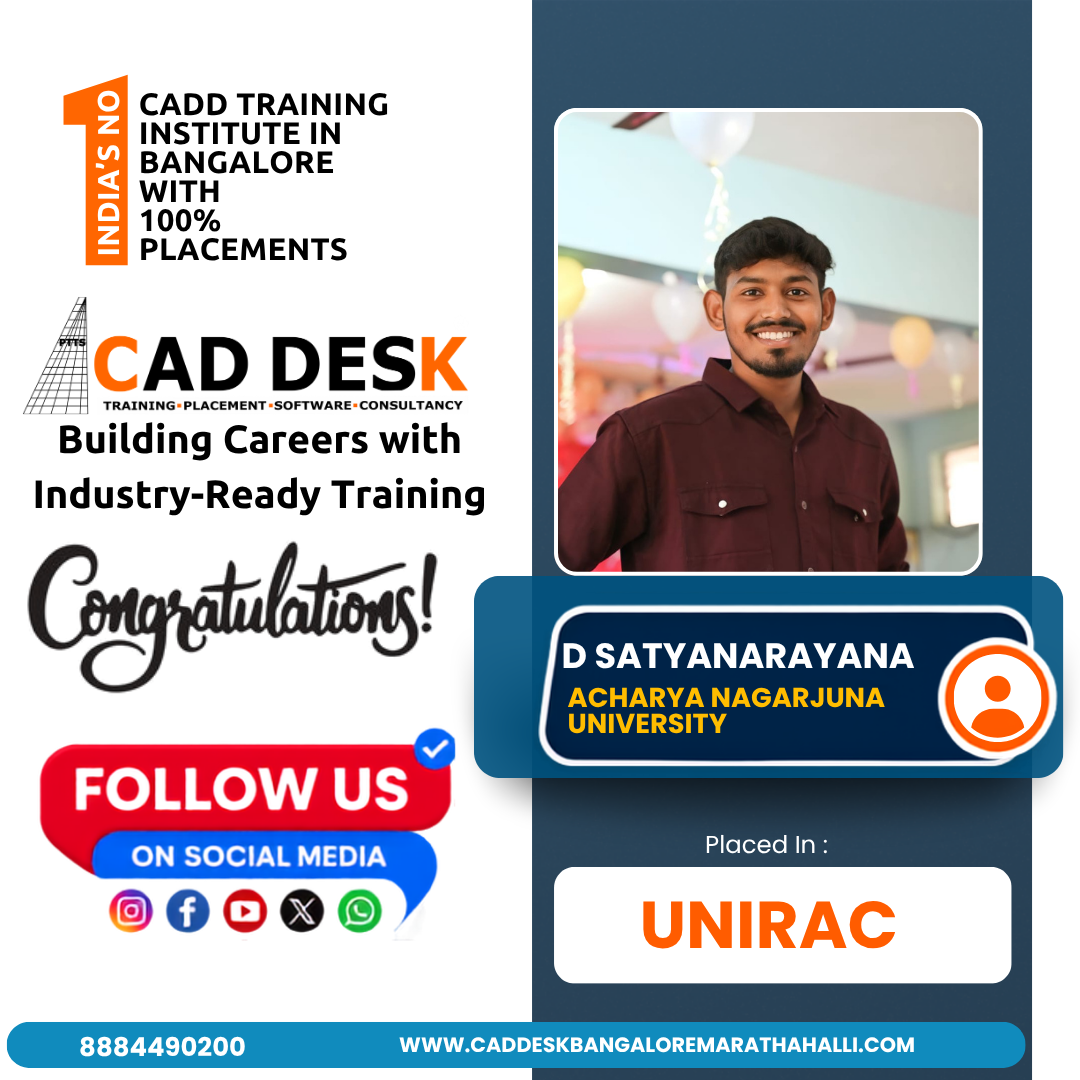
Placed Students Through CADDESK Marathahalli Bangalore

Build a Successful Career in Design

V-Ray Rendering Artist

₹3 – ₹5 LPA

Architectural Visualizer

₹3 – ₹5.5 LPA

Interior Visualization Artist

₹3 – ₹6 LPA

3D Rendering Specialist

₹3 – ₹5.5 LPA

3D Visualizer

₹2.5 – ₹5 LPA

Product Visualization Artist

₹3 – ₹6 LPA

Live + Recorded

Learn at your pace

Vray Course Highlights

Live Online Classes
Project-Based Learning
Trainer Support
Flexible Timings
Certification
Placement Assistance

Online Vray Course Training Centre in Bangalore

The Online V-Ray Course at CADDESK Bangalore lets you learn V-Ray, a top rendering engine, from anywhere. The course is designed for designers, architects, and 3D artists at any skill level. You will learn how to create photorealistic renderings with V-Ray, focusing on lighting, materials, textures, and camera settings. The curriculum covers important topics like global illumination, shading, reflections, and refractions. You will also explore advanced subjects such as depth of field, caustics, and ways to optimize your renders for better quality and speed. Live interactive sessions give you the chance to work directly with expert instructors and get personalized feedback.
You will have access to recorded tutorials and extra learning materials, so you can study at your own pace and review lessons whenever you need. This flexible setup helps you fit the course around your other commitments. The course is hands-on, with real-world projects that help you build your portfolio. You will work on assignments covering different types of rendering, like architectural visualization, product design, and animation. The curriculum also teaches you how to use V-Ray with other software, helping you create complete 3D modeling and rendering workflows. When you finish the course, you will earn an ISO certification that is recognized in the industry. This can boost your job prospects in architecture, interior design, animation, and product visualization. The course also offers job placement help, connecting you with top employers in design and architecture. With a strong network of industry contacts, you will get support as you start your career. Best Vray Course in Bangalore. 

Why CADDESK Bangalore Is the Best Vray Training Institute?

CADDESK Bangalore is known as a top V-Ray training center thanks to its expert instructors, practical courses, and flexible learning options. The program is designed to help students create high-quality, photorealistic 3D renderings and is suitable for both beginners and professionals. It covers basic rendering techniques as well as advanced topics like lighting, materials, shaders, global illumination, and optimization. The trainers have strong backgrounds in V-Ray and 3D visualization, which adds real-world value to the lessons. They share practical tips and industry knowledge, helping students use V-Ray effectively in real projects. The course includes applications in architectural visualization, product design, and animation, and trainers offer personal support to help each student reach their goals. Students can choose between offline classroom sessions and online learning, making it easier to fit the course into their schedules. Both options include interactive sessions, live projects, and direct feedback from instructors. This setup helps students manage their studies with other responsibilities. The course focuses on hands-on learning, with real-life projects that build practical skills and a professional portfolio. Advanced topics, including rendering optimization, texture mapping, camera settings, and animation techniques, are also part of the curriculum, preparing students for careers in 3D visualization. After finishing the course, students receive ISO certification, which boosts their job prospects. CADDESK Bangalore also offers job placement support, connecting graduates with employers in design, architecture, animation, and product visualization. With its thorough curriculum, experienced trainers, flexible options, and certification, CADDESK Bangalore is a top choice for V-Ray training in Bangalore.
Why Choose CADDESK Marathahalli Bangalore

Industry Expert Trainers

Learn directly from professionals working on real-time construction and engineering projects.
100% Practical Training

Every session includes live drafting exercises, software practice, and project implementation.

Placement Assistance

Dedicated placement assistance with interview preparation and resume building.

Latest Software Versions

Practice using updated Vray tools and workflows used in the industry.

Flexible Batches

Weekday batches available for students and working professionals.
Certification

Receive industry-recognized certification after course completion.
What Our Students Say

FREQUENTLY ASKED QUESTION

Who can take the AutoCAD course at Caddesk Marathahalli?

Our AutoCAD course is designed for beginners, students, professionals, and anyone interested in enhancing their design skills. No prior experience in CAD software is necessary.

What topics are covered in the AutoCAD course?

The course covers a range of topics, including basic drawing techniques, modifying drawings, dimensioning, annotations, 3D modeling, and project management. Students also engage in a capstone project to apply their skills.

Will I receive a certification after completing the course?

Yes, upon successful completion of the AutoCAD course, students will receive a certificate from Caddesk Marathahalli, which can enhance their resume and showcase their skills to potential employers.

Are there any prerequisites for enrolling in the course?

No prior knowledge of AutoCAD or design software is required. However, a basic understanding of computer operations and familiarity with design concepts can be beneficial.

Can I take the course online?

Yes, we offer online classes for the AutoCAD course. Students can participate remotely and still receive the same quality of instruction and resources as in-person classes.

How do I enroll in the AutoCAD course?

To enroll, you can visit our website or contact our admissions office at Caddesk Marathahalli. We will guide you through the registration process and provide you with all the necessary information.

What is the teaching methodology used in the course?

The course combines theoretical lectures with hands-on practical sessions, group projects, and individual assignments. This approach ensures that students not only learn the concepts but also apply them in real-world scenarios.

How long is the AutoCAD course?

The duration of the course typically ranges from 30 to 35 Days, depending on the intensity and schedule. Classes can be conducted on weekdays or weekends, catering to different availability.

What career opportunities are available after completing the AutoCAD course?

Graduates can pursue various career paths, including roles as draftspersons, architects, civil engineers, mechanical engineers, interior designers, and more. The skills gained in this course are highly sought after in the job market.

What support is available for students during the course?

Students have access to instructors for support and guidance throughout the course. Additionally, we provide resources such as tutorials, practice exercises, and online forums for discussion and collaboration.

Explore Related Courses