
































Microsoft Project Course Training Centre In Bangalore

The Microsoft Project Course at Caddesk Bangalore is an in-depth program designed to teach professionals and aspiring project managers how to use Microsoft Project to manage projects efficiently and effectively.

Google-colorCreated with Sketch.
⭐⭐⭐⭐⭐4.9 Rating
ISO Certification
100% Placement Assistance
5000+ Students Trained
100% Practical Training
15+ Years Experience

Book Your Free Demo Class

Talk to a counsellor today and unlock your CAD career path.

By submitting, you agree to receive a callback from our team.

The Microsoft Project Course at Caddesk Bangalore is designed to provide professionals and aspiring project managers with the necessary skills to effectively use Microsoft Project for planning, scheduling, and managing projects. Microsoft Project is one of the most widely used project management software tools, trusted by businesses and organizations across various industries for its comprehensive features and user-friendly interface. The course aims to equip learners with a deep understanding of how to utilize the software to streamline project workflows, enhance team collaboration, and ensure the successful delivery of projects on time and within budget. This course begins with an introduction to Microsoft Project, covering its interface, key features, and basic functionalities. Students will learn how to create and organize projects, set up tasks, and develop work breakdown structures (WBS). They will also explore how to allocate resources, assign durations, and set dependencies between tasks, providing a strong foundation in project scheduling and management. As the course progresses, students will dive into more advanced features, including resource leveling, cost management, and creating detailed project reports. Caddesk Bangalore ensures that students gain hands-on experience with real-world projects and case studies, allowing them to apply their learning in practical scenarios. The course covers essential skills such as tracking project progress, monitoring task completion, and adjusting project timelines when necessary. Students will also learn how to generate progress reports, identify project risks, and take corrective actions to keep projects on track. The Microsoft Project Course at Caddesk Bangalore is taught by experienced trainers with extensive industry expertise in project management and Microsoft Project. These instructors provide valuable insights into how Microsoft Project is used in real-world scenarios, helping students understand how to apply the software effectively in different types of projects. Offered in both offline and online formats, the Microsoft Project Course provides flexibility for learners with different schedules and preferences. Whether attending in-person classes or studying remotely, students will receive the same level of instruction and support. The course is designed for project managers, engineers, construction professionals, and anyone who wishes to enhance their project management skills using Microsoft Project. Upon successful completion of the course, students will receive a certificate from Caddesk Bangalore, which is recognized by industry professionals and organizations. This certification validates the skills learned during the course and adds value to the student’s resume, improving their career prospects in the project management field. Microsoft Project Course at Caddesk Bangalore offers a comprehensive and practical learning experience for anyone looking to enhance their project management capabilities. With expert instructors, hands-on training, and flexible learning options, this course provides the tools and knowledge needed to effectively use Microsoft Project and manage projects with confidence. Whether you are new to project management or looking to upgrade your skills, this course is a valuable investment in your career. Best Microsoft Project Course in Bangalore.

15+ Years

Training Excellence

Microsoft Project Course from Basics to Advanced

Industry Projects
Practical Exercises
Expert Faculty
Autodesk Standards

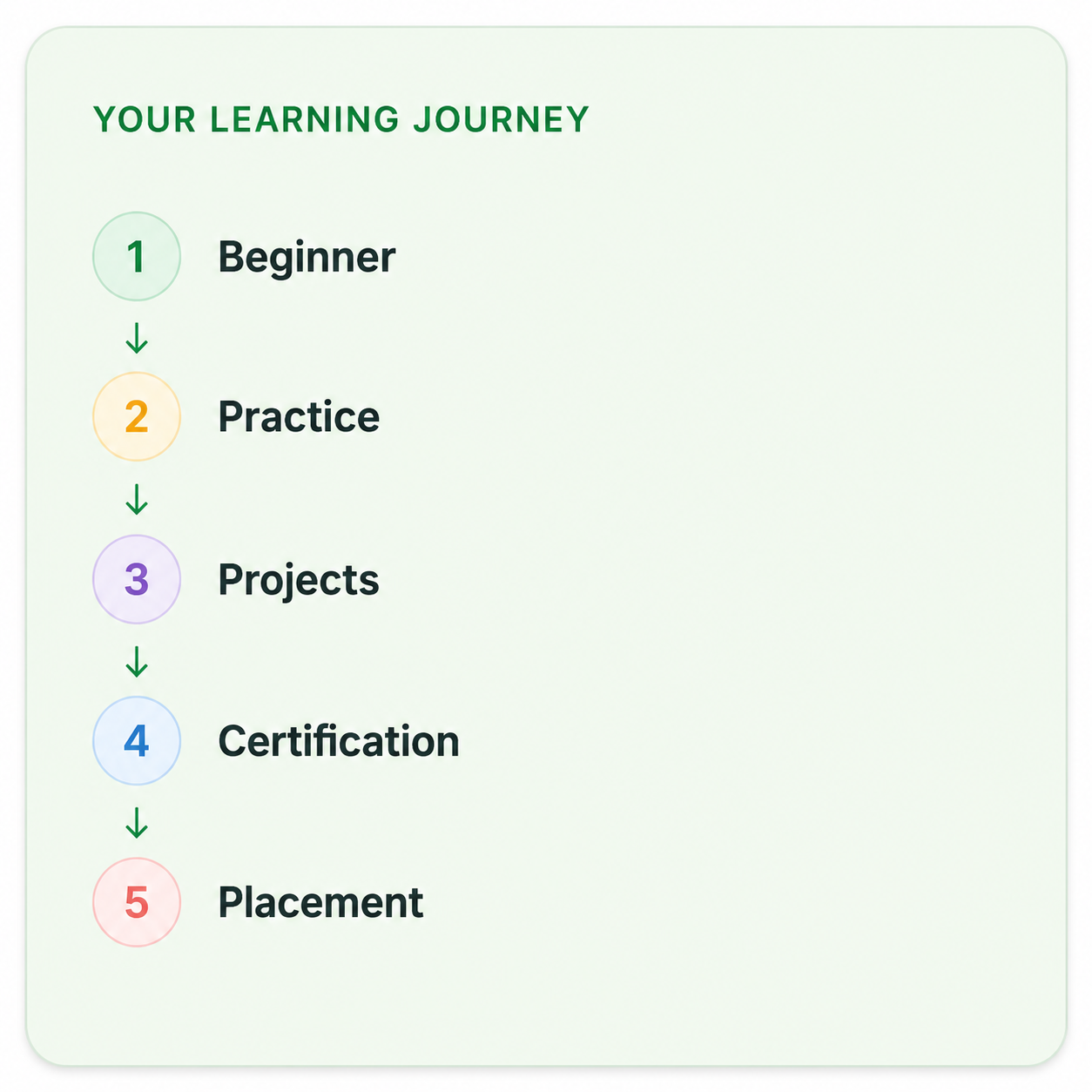
Your Complete Microsoft Project Course Learning Journey

Duration

40 Days

Projects

15+ Live Projects

Software

Latest Microsoft Project

Certification

ISO Certificate

Placement Assistance

100%

Mode

Offline + Online

Microsoft Project Course Curriculum

Module 1: Introduction to Project Management
  • Overview of project management concepts and methodologies.
  • Key terminology in project management.
  • Understanding the project lifecycle and phases.
  • Installation and setup of Microsoft Project.
  • Overview of the user interface and navigation.
  • Customizing the workspace and user preferences.
  • Setting up a new project file.
  • Defining project properties (name, start date, and end date).
  • Creating a project calendar and setting working hours.
  • Defining and creating tasks (summary tasks and subtasks).
  • Establishing task relationships (dependencies: Finish-to-Start, Start-to-Start, etc.).
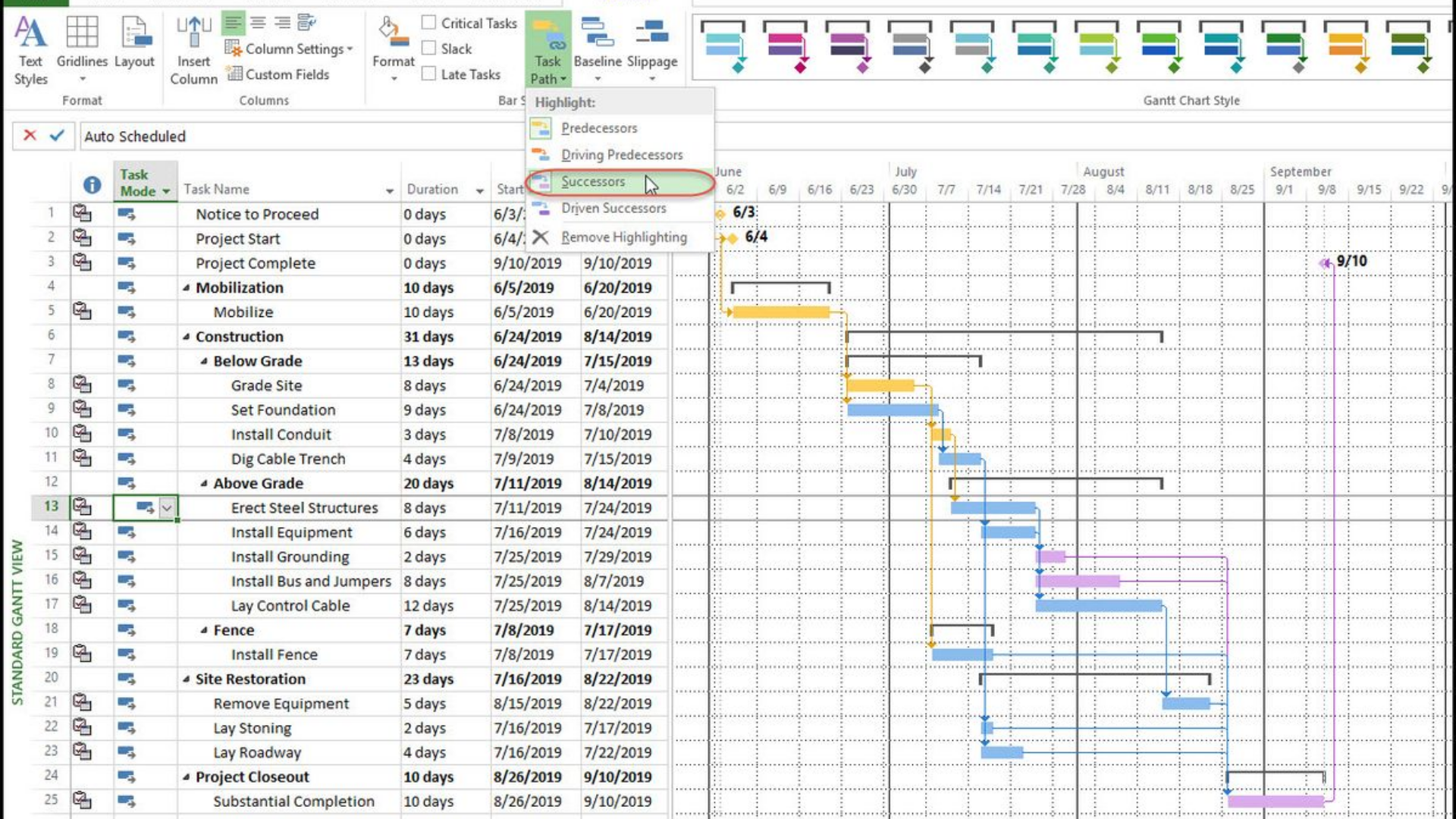
  • Using the Gantt Chart view for task scheduling.
  • Defining resources (work, material, and cost resources).
  • Assigning resources to tasks and understanding resource allocation.
  • Managing resource leveling and handling resource conflicts.
  • Understanding cost types and budgeting in projects.
  • Estimating costs for tasks and resources.
  • Tracking costs and analyzing project budget performance.
  • Setting baselines for project comparison.
  • Tracking project progress and updating tasks.
  • Understanding earned value management (EVM) concepts.
  • Generating standard reports (status, resource, and cost reports).
  • Creating custom reports to meet project needs.
  • Designing dashboards for visual representation of project data.
  • Sharing project information with stakeholders.
  • Best practices for effective team collaboration using Microsoft Project.
  • Utilizing cloud features for real-time updates and communication.
  • Identifying potential project risks and their impacts.
  • Developing risk mitigation strategies.
  • Integrating risk management into project planning and execution.
  • Engaging in hands-on exercises to reinforce learning.
  • Analyzing real-world project scenarios and applying Microsoft Project tools.
  • Working on team projects to enhance collaboration skills.
  • Completing a capstone project to demonstrate proficiency in Microsoft Project.
  • Evaluation through practical assignments, quizzes, and presentations.
  • Feedback and discussion on project outcomes.

Companies That Hire Our Students

Placed Students Through CADDESK Marathahalli Bangalore

Build a Successful Career in Design

Project Planning Engineer

₹3.5 – ₹6 LPA

Project Coordinator

₹3 – ₹5.5 LPA

Project Scheduler

₹3.5 – ₹6 LPA

Planning & Scheduling Engineer

₹4 – ₹6.5 LPA

Project Control Engineer

₹4 – ₹7 LPA

Junior Project Engineer

₹3 – ₹5.5 LPA

Live + Recorded

Learn at your pace

Microsoft Project Course Highlights

Live Online Classes
Project-Based Learning
Trainer Support
Flexible Timings
Certification
Placement Assistance

Online Microsoft Project Course Training Centre in Bangalore

The Online Microsoft Project Course at Caddesk Bangalore is a flexible and convenient option for individuals looking to enhance their project management skills without the need for in-person attendance. This course is ideal for professionals who want to learn how to effectively use Microsoft Project to plan, schedule, and manage projects from anywhere at their own pace. Microsoft Project is a powerful tool used by project managers across industries to organize tasks, allocate resources, and track the progress of projects, making it an essential skill for anyone working in project management. The online course is structured to provide a comprehensive understanding of Microsoft Project, starting with the basics. Students will first familiarize themselves with the Microsoft Project interface, learning how to create new projects, define tasks, and set up work breakdown structures (WBS). They will also learn how to allocate resources, assign durations, and define task dependencies—key elements in creating effective project schedules. As students progress through the course, they will gain proficiency in advanced features of Microsoft Project, such as resource leveling, cost management, and monitoring project performance. The course also includes modules on creating detailed reports, tracking project milestones, and making adjustments to timelines and resources to keep projects on track. By the end of the course, learners will be able to use Microsoft Project to manage a variety of projects, from simple tasks to complex multi-phase initiatives. The Online Microsoft Project Course is designed to be interactive and engaging, with a combination of video tutorials, practical assignments, and quizzes that reinforce learning. Students can learn at their own pace, accessing course materials whenever and wherever they choose. This flexibility makes the course ideal for working professionals, as they can balance their job responsibilities with their learning schedule. In addition to the learning materials, students receive continuous support from Caddesk Bangalore’s expert instructors, who are available to answer questions, provide guidance, and assist with any challenges faced during the course. Whether you need clarification on concepts or help with a specific project, the instructors are committed to ensuring that students succeed in mastering Microsoft Project. Online Microsoft Project Course at Caddesk Bangalore offers an excellent opportunity for anyone looking to develop or improve their project management skills. With expert instructors, flexible learning options, and hands-on training, this course equips students with the tools and knowledge needed to excel in project management roles across industries. Whether you’re just starting your career or looking to upgrade your skills, this course provides everything you need to become proficient in Microsoft Project and manage projects with confidence. Best Microsoft Project course in Bangalore. 

Why CADDESK Bangalore Is the Best Microsoft Project Course Training Institute?

Caddesk Bangalore offers one of the best Microsoft Project courses, providing students with the essential skills to effectively manage and track projects. The course is designed for individuals who want to learn how to use Microsoft Project for scheduling, resource management, and progress tracking in various industries. Whether you’re a beginner or someone looking to enhance your existing project management skills, this course covers all levels of expertise. The Microsoft Project Course at Caddesk Bangalore focuses on providing hands-on training, where students learn to create detailed project plans, manage tasks, allocate resources, and track project timelines using the software. It covers key features such as setting task dependencies, developing work breakdown structures (WBS), and generating reports, helping students become proficient in all aspects of project management. By the end of the course, students will have the practical knowledge to manage projects efficiently, from start to finish. Caddesk Bangalore offers both offline and online training options, giving students flexibility in how they learn. The offline classes offer direct interaction with instructors, while the online classes allow learners to study at their own pace from anywhere. Both formats ensure that students receive the same level of instruction and support. The course includes real-world case studies and practical assignments, which help learners apply their knowledge and gain experience working with Microsoft Project. At the end of the course, students receive a certification from Caddesk Bangalore, which is recognized by the industry. The certification adds value to their resumes, making them more attractive to employers. Additionally, the course is designed to meet the current industry standards and is taught by instructors with vast experience in project management. Microsoft Project Course at Caddesk Bangalore provides learners with the knowledge and hands-on experience required to manage projects effectively. With flexible learning options, expert instructors, and a recognized certification, this course is a great opportunity for anyone looking to improve their project management skills. Best Microsoft Projects course in Bangalore. 

Why Choose CADDESK Marathahalli Bangalore

Industry Expert Trainers

Learn directly from professionals working on real-time construction and engineering projects.

100% Practical Training

Every session includes live drafting exercises, software practice, and project implementation.

Placement Assistance

Dedicated placement assistance with interview preparation and resume building.

Latest Software Versions

Practice using updated Microsoft Project tools and workflows used in the industry.

Flexible Batches

Weekday batches available for students and working professionals.

Certification

Receive industry-recognized certification after course completion.

What Our Students Say

FREQUENTLY ASKED QUESTION

Is Microsoft Project a PM tool?

Microsoft Project as a Project Management Tool According to PMI’s PMBOK, there are eight areas that might be addressed in a project plan. Of these, the schedule is the single most important.

Why is MS Project used?

Microsoft Project is designed to help users set realistic goals for project teams and customers by creating schedules, distributing resources and managing budgets. The Project Guide helps users create projects, track tasks, and report results.

Is MS Project a project plan?

Microsoft Project is project management software that’s used to create schedules, project plans, manage resources and keep track of time. It has features such as Gantt charts, kanban boards and project calendars for project management professionals.

What is MS Project best for?

MS Project consolidates project scheduling, resource allocation, and budget management. It also facilitates collaboration among team members and stakeholders, while Gantt charts help organize project timelines.

Is MS Project good for construction?

Microsoft Project excels in streamlining resource management, a critical aspect of construction. It enables efficient coordination of varied resources, including labor, equipment, and materials, ensuring they are utilized optimally and avoiding over-allocation through resource-leveling.

Explore Related Courses