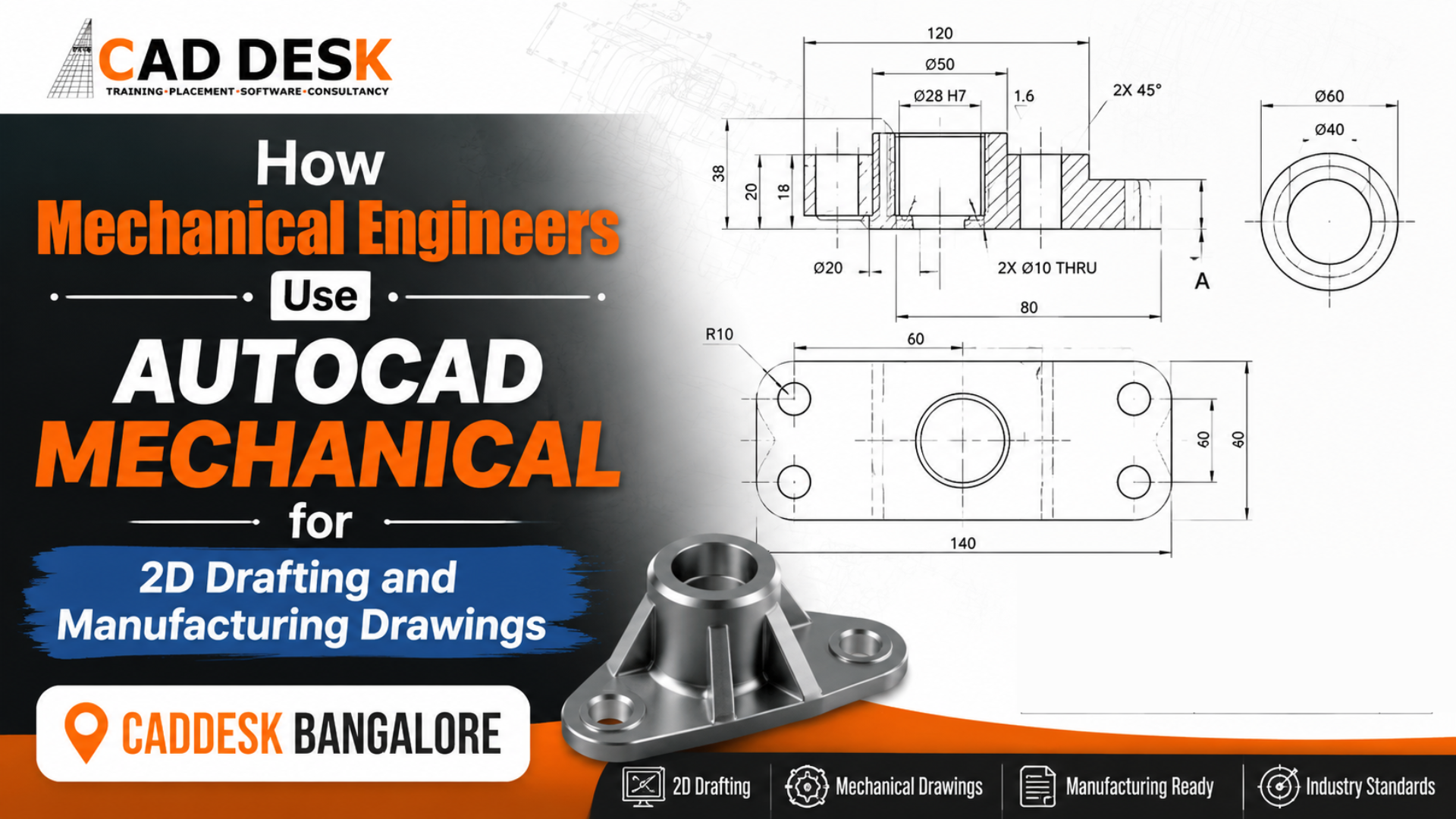
How Mechanical Engineers Use AutoCAD Mechanical for 2D Drafting and Manufacturing Drawings
Mechanical engineering has always been the backbone of manufacturing, automotive, aerospace, industrial machinery, and product development. Every machine, component, assembly, and production system begins with a detailed engineering drawing. Before any product reaches the manufacturing floor, engineers create precise technical drawings that communicate dimensions, tolerances, materials, and manufacturing instructions. This is where AutoCAD Mechanical plays a significant role. Unlike standard CAD software, AutoCAD Mechanical is specifically designed for mechanical engineers and manufacturing professionals. It provides industry-specific tools, intelligent drafting features, automated annotations, standard parts libraries, and productivity enhancements that help engineers create accurate manufacturing drawings quickly.
Whether you are a mechanical engineering student, diploma holder, working professional, or someone planning a career in product design or manufacturing, learning AutoCAD Mechanical can significantly improve your technical skills and career opportunities. If you’re looking to build these industry-relevant skills, enrolling in an AutoCAD Mechanical course in Bangalore can provide hands-on experience with real-world engineering projects while preparing you for manufacturing and design careers.
What is AutoCAD Mechanical?
AutoCAD Mechanical is a specialized version of Autodesk AutoCAD developed specifically for mechanical engineering applications.
It combines all the drafting capabilities of AutoCAD with additional tools that simplify:
- Mechanical drafting
- Manufacturing drawings
- Assembly drawings
- Part detailing
- Standard component insertion
- Bill of Materials (BOM)
- Intelligent dimensions
- Tolerance annotations
Instead of manually drawing every bolt, shaft, bearing, or gear, engineers can access thousands of standardized mechanical components from built-in libraries.
This dramatically reduces drafting time while improving drawing accuracy and consistency.
Importance of 2D Drafting in Mechanical Engineering
Although 3D modeling is widely used today, 2D drawings remain essential because manufacturing teams still rely on technical drawings for production.
Every manufactured component requires:
- Front View
- Side View
- Top View
- Section View
- Detail View
- Dimensions
- Tolerances
- Surface Finish Symbols
- Welding Symbols
- Material Specifications
Without accurate 2D drawings, manufacturing errors become more likely.
AutoCAD Mechanical ensures these drawings meet industry standards and are easy for machinists, fabricators, and production teams to interpret.
Key Features of AutoCAD Mechanical
1. Intelligent Mechanical Layer Management
Mechanical drawings contain many different line types.
Examples include:
- Hidden lines
- Center lines
- Construction lines
- Object lines
- Dimension layers
AutoCAD Mechanical automatically organizes these layers, reducing manual work.
2. Standard Parts Library
One of the biggest advantages is access to thousands of standard mechanical components.
Examples include:
- Bolts
- Nuts
- Washers
- Bearings
- Keys
- Pins
- Shafts
- Gears
- Springs
Instead of drawing each component manually, engineers simply insert them from the library.
3. Automatic Centerlines
Drawing centerlines manually takes time.
AutoCAD Mechanical automatically generates:
- Centerlines
- Center marks
- Hole centers
This improves productivity and ensures drawing consistency.
4. Intelligent Dimensions
Dimensioning is one of the most important parts of engineering drawings.
AutoCAD Mechanical offers:
- Linear dimensions
- Angular dimensions
- Radius dimensions
- Diameter dimensions
- Baseline dimensions
- Ordinate dimensions
These tools reduce drafting errors while maintaining industry standards.
5. Power Dimension Tool
Instead of switching between multiple commands, engineers can use a single intelligent dimension command.
The software automatically recognizes the geometry and applies the correct dimension type.
6. Bill of Materials (BOM)
Assembly drawings require BOM generation.
AutoCAD Mechanical automatically creates:
- Component lists
- Item numbers
- Quantity
- Material references
This saves considerable documentation time.
7. Balloon Annotation
Each component in an assembly drawing requires identification.
Balloon annotations automatically connect items with the Bill of Materials.
8. Mechanical Symbols
Engineers frequently use:
- Surface finish symbols
- Welding symbols
- Geometric tolerances
- Datum references
AutoCAD Mechanical provides these symbols according to international standards.
Autocad Mechanical Course Curriculum
Career Opportunities After Learning AutoCAD Mechanical
Completing an AutoCAD Mechanical course in Bangalore can prepare you for various job roles, such as:
- AutoCAD Mechanical Designer
- Mechanical Draftsman
- CAD Engineer
- Production Design Engineer
- Tool Design Engineer
- Manufacturing Engineer
- Machine Design Engineer
- Design Executive
- CAD Technician
- Mechanical CAD Specialist
As industries continue to adopt digital engineering workflows, professionals with CAD expertise remain in demand.
Skills You Learn in an AutoCAD Mechanical Course
A structured training program typically covers:
- Introduction to AutoCAD Mechanical
- User Interface
- Drawing Setup
- Mechanical Layers
- Object Creation
- Mechanical Symbols
- Standard Components
- Centerlines
- Dimensions
- Tolerances
- Section Views
- Assembly Drawings
- Bill of Materials
- Mechanical Annotation
- Manufacturing Documentation
- Plotting and Printing
- Industry Projects
Practical assignments help learners gain confidence by working on real engineering drawings.
Why Choose CADDESK Bangalore for AutoCAD Mechanical Training?
Choosing the right institute is just as important as choosing the right software to learn.
At CADDESK Bangalore, students receive practical, industry-oriented training designed to meet current engineering and manufacturing requirements.
Industry-Oriented Curriculum
The course is structured around real industrial drafting standards and manufacturing practices.
Experienced Trainers
Learn from professionals with practical experience in mechanical design and CAD drafting.
Practical Project-Based Learning
Students work on machine components, assemblies, production drawings, and manufacturing documentation to build real-world skills.
Hands-On Lab Sessions
Every concept is reinforced through guided practical exercises rather than theory alone.
Flexible Learning Options
Weekend and weekday batches are available to suit students and working professionals.
Placement Assistance
CADDESK Bangalore supports learners with career guidance, interview preparation, resume building, and placement assistance to help them transition into the engineering industry.
Frequently Asked Questions (FAQs)
Is AutoCAD Mechanical different from AutoCAD?
Yes. AutoCAD Mechanical includes all the standard AutoCAD features along with specialized tools for mechanical engineering, such as standard parts libraries, automated dimensions, BOM generation, and mechanical symbols.
Can beginners learn AutoCAD Mechanical?
Yes. Even beginners can start with the fundamentals and gradually progress to advanced drafting and manufacturing drawings through structured training.
Is AutoCAD Mechanical useful for manufacturing jobs?
Absolutely. Many manufacturing companies rely on AutoCAD Mechanical for creating production-ready drawings and technical documentation.
Do I need prior CAD experience?
No. Basic computer knowledge is sufficient. The course starts with the fundamentals before moving to advanced mechanical drafting concepts.
What industries use AutoCAD Mechanical?
Automotive, aerospace, industrial machinery, manufacturing, fabrication, tooling, heavy engineering, and product design industries all use AutoCAD Mechanical.
Does CADDESK Bangalore provide practical training?
Yes. CADDESK Bangalore emphasizes hands-on learning through practical exercises, live projects, and real manufacturing drawing assignments.
Conclusion
Mechanical engineering continues to rely heavily on accurate 2D drafting and manufacturing documentation. AutoCAD Mechanical simplifies these tasks with intelligent tools, standardized libraries, automated annotations, and productivity-enhancing features that help engineers create precise, professional drawings. For students and professionals aiming to build a successful career in design, manufacturing, or production engineering, mastering AutoCAD Mechanical is a valuable investment. Enrolling in an AutoCAD Mechanical course in Bangalore at CADDESK Bangalore provides the practical knowledge, industry exposure, and project experience needed to meet modern engineering demands. Whether your goal is to become a CAD designer, manufacturing engineer, mechanical draftsman, or design professional, AutoCAD Mechanical equips you with the technical skills required to contribute confidently to real-world engineering projects and advance your career in the competitive manufacturing industry.