
































Professional Diploma Program In BIM(Mechanical)

Transition from a traditional draftsperson to a high-demand BIM Manager. Master Revit, Navisworks, Civil 3D, and ISO 19650 standards through live international project simulations.

Google-colorCreated with Sketch.
⭐⭐⭐⭐⭐4.9 Rating
ISO Certification
100% Placement Assistance
5000+ Students Trained
100% Practical Training
15+ Years Experience

Book Your Free Demo Class

Talk to a counsellor today and unlock your CAD career path.

By submitting, you agree to receive a callback from our team.

What is Building Information Modeling (BIM)?

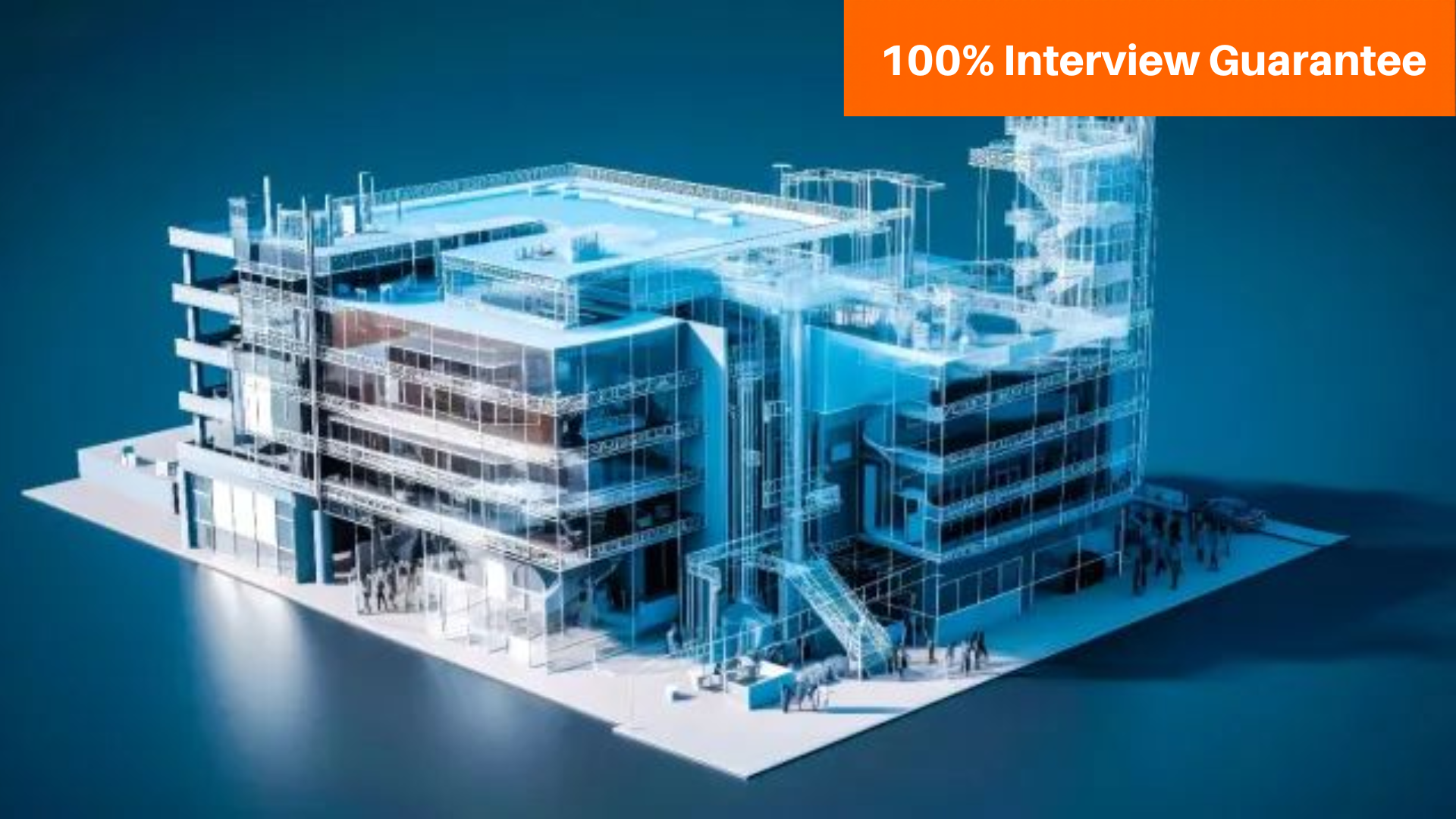
Building Information Modeling (BIM) is a smart digital process that helps professionals plan, design, construct, and manage buildings more efficiently. It allows all project stakeholders to work together using a shared 3D model that contains accurate, real-time data.

Master Certificate in BIM provides comprehensive training in essential areas of Building Information Modeling (BIM). It covers BIM concepts and standards, implementation strategies, 2D engineering drawing, and production drawing using software like Revit Architecture, Revit Structure, Civil 3D, and Revit MEP. Participants also learn about Common Data Environment (CDE) and collaborative project management with BIM 360. The program concludes with BIM coordination, emphasizing clash detection and conflict resolution at LOD 350, preparing participants for real-world construction projects. Caddesk Hyderabad is the best BIM Training Institute In Hyderabad With 100% Placement assistance. We Are Providing Both Offline & online training with industry experts.

Duration

40 Days

Projects

15+ Live Projects

Software

Latest AutoCAD

Certification

ISO Certificate

Placement Assistance

100%

Mode

Offline + Online

Professional Diploma Program In BIM(Mechanical) Course Curriculum

Module 1: BIM Fundamentals & AutoCAD

This module introduces the basics of Building Information Modeling (BIM) and the role of AutoCAD in the architecture, engineering, and construction industry.

1.1 Introduction to BIM

Understanding the concept of Building Information Modeling, its importance in modern construction, and how BIM improves project collaboration and efficiency.

1.2 BIM in the AEC Industry

Overview of BIM applications in architecture, engineering, and construction, including the BIM workflow and project lifecycle.

1.3 AutoCAD Fundamentals

Introduction to the AutoCAD interface, workspace navigation, and understanding CAD file formats used in design and drafting.

1.4 Basic Drawing & Editing Tools

Learning essential AutoCAD commands such as line, circle, move, copy, trim, and offset used for creating technical drawings.

1.5 Practical Exercise

Hands-on practice creating simple 2D drawings and basic construction layouts using AutoCAD tools

This module introduces the basic architectural modeling tools in Revit used to create building components such as walls, doors, floors, and roofs. Students will learn how to design a basic building structure using Revit tools.

2.1 Revit Building Tools

Introduction to the building panel and tools used for creating architectural elements in Revit.

2.2 Creating Walls

Learn how to create and edit different types of walls including basic walls and curtain walls.

2.3 Doors and Windows

Adding doors and windows to walls and adjusting their placement in the building model.

2.4 Floors and Roofs

Creating floors and roofs for buildings using Revit modeling tools.

2.5 Ceiling and Components

Adding ceilings, lighting, and basic architectural components to the building model.

This module introduces the structural modeling tools in Revit used for designing structural components of buildings such as columns, beams, and foundations.

3.1 Introduction to Revit Structure

Overview of the Revit Structure interface and understanding the structural design environment.

3.2 Structural Columns

Creating and placing structural columns used in building structures.

3.3 Beams and Structural Framing

Modeling beams and structural framing elements in the building model.

3.4 Foundations

Creating basic structural foundations and understanding their role in building stability.

3.5 Structural Modeling Practice

Hands-on practice creating a simple structural model using Revit tools.

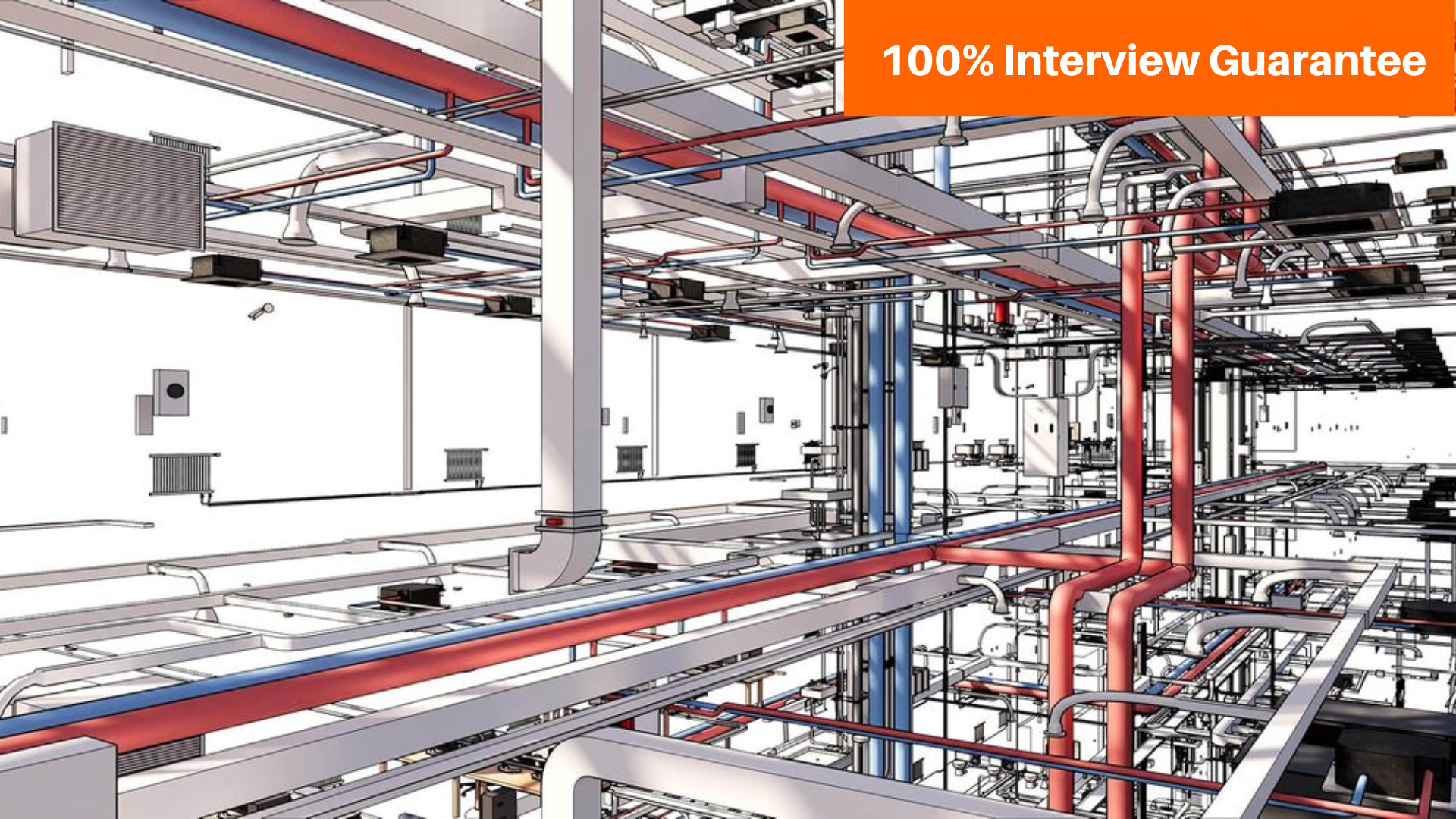
This module introduces the MEP (Mechanical, Electrical, and Plumbing) tools in Revit used for designing building service systems such as HVAC, electrical layouts, and plumbing networks.

4.1 Introduction to Revit MEP

Overview of Revit MEP and understanding the role of MEP systems in building design.

4.2 HVAC Systems

Creating HVAC components such as ducts, air terminals, and mechanical equipment.

4.3 Electrical Systems

Designing electrical layouts including lighting, switches, and electrical circuits.

4.4 Plumbing Systems

Creating plumbing layouts such as pipes, fittings, and plumbing fixtures.

4.5 MEP Modeling Practice

Hands-on practice creating a basic MEP system model in Revit.

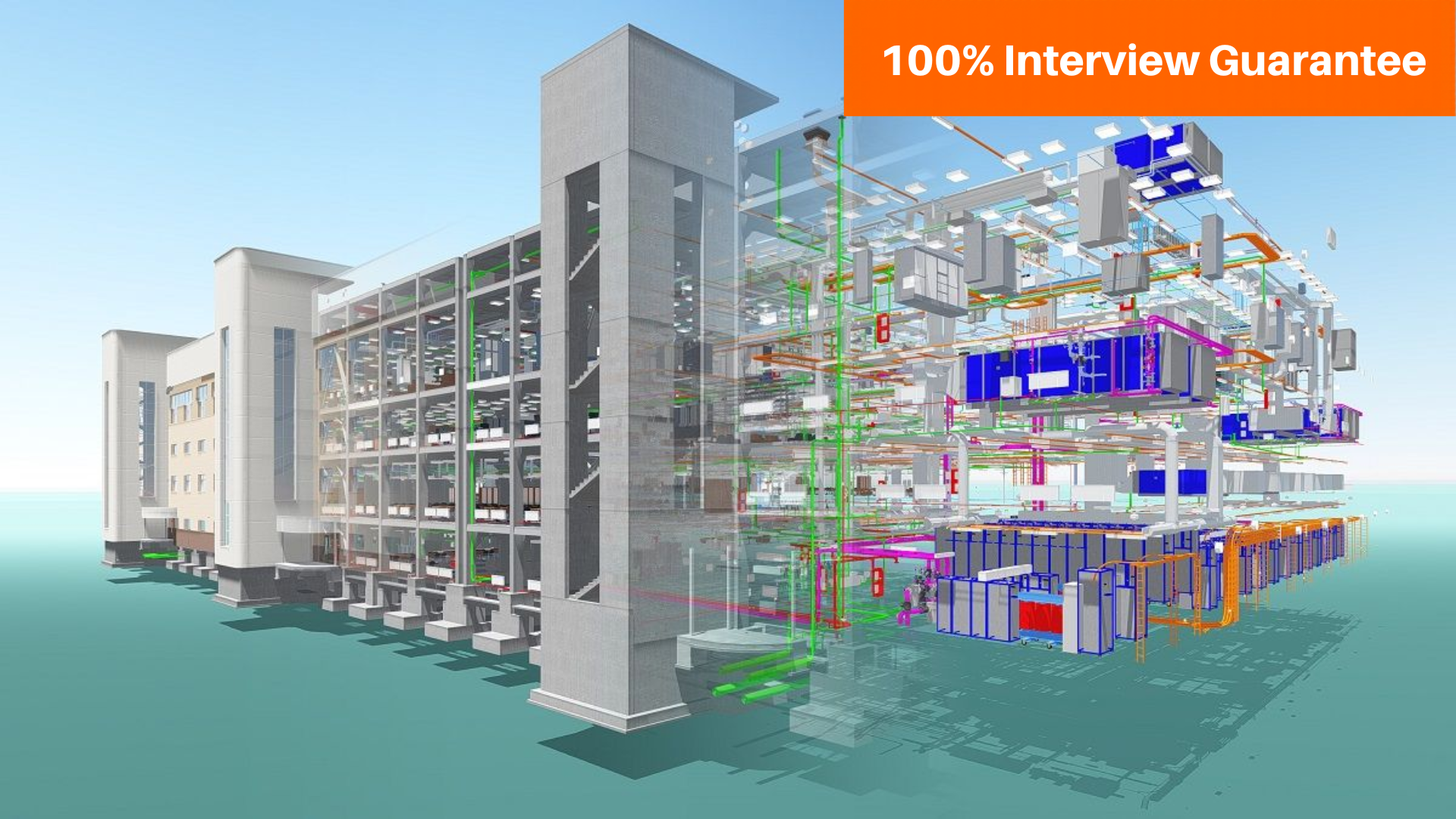
This module introduces Navisworks software used for BIM coordination and project review. Students will learn how to combine different models and identify clashes between architectural, structural, and MEP elements.

5.1 Introduction to Navisworks

Overview of Navisworks interface and understanding its role in BIM project coordination.

5.2 Model Navigation

Learning how to open, explore, and navigate 3D models in Navisworks.

5.3 Model Coordination

Combining models from different software like Revit and AutoCAD for project review.

5.4 Clash Detection

Identifying clashes between architectural, structural, and MEP systems.

5.5 Project Simulation

Introduction to 4D simulation and basic project visualization.

This module introduces Enscape visualization software used to create realistic renderings and walkthroughs for architectural and construction projects.

6.1 Introduction to Enscape

Overview of Enscape and understanding real-time rendering for architectural visualization.

6.2 Enscape Interface & Navigation

Learning the Enscape interface, toolbar, and basic navigation tools.

6.3 Materials and Lighting

Applying materials, textures, and lighting to improve the visual quality of the model.

6.4 Real-Time Rendering

Creating realistic images and scenes directly from BIM models.

6.5 Walkthrough & Presentation

Creating walkthrough animations and presenting the project visually for clients.

This module introduces Primavera project management software used for planning, scheduling, and tracking construction projects.

7.1 Introduction to Primavera

Overview of Primavera software and its role in project planning and management.

7.2 Project Creation

Creating a new project and understanding the basic project structure.

7.3 Work Breakdown Structure (WBS)

Organizing the project into different tasks and activities.

7.4 Project Scheduling

Creating project schedules, defining activity relationships, and setting timelines.

7.5 Project Monitoring

Tracking project progress and generating basic reports.

Companies That Hire Our Students

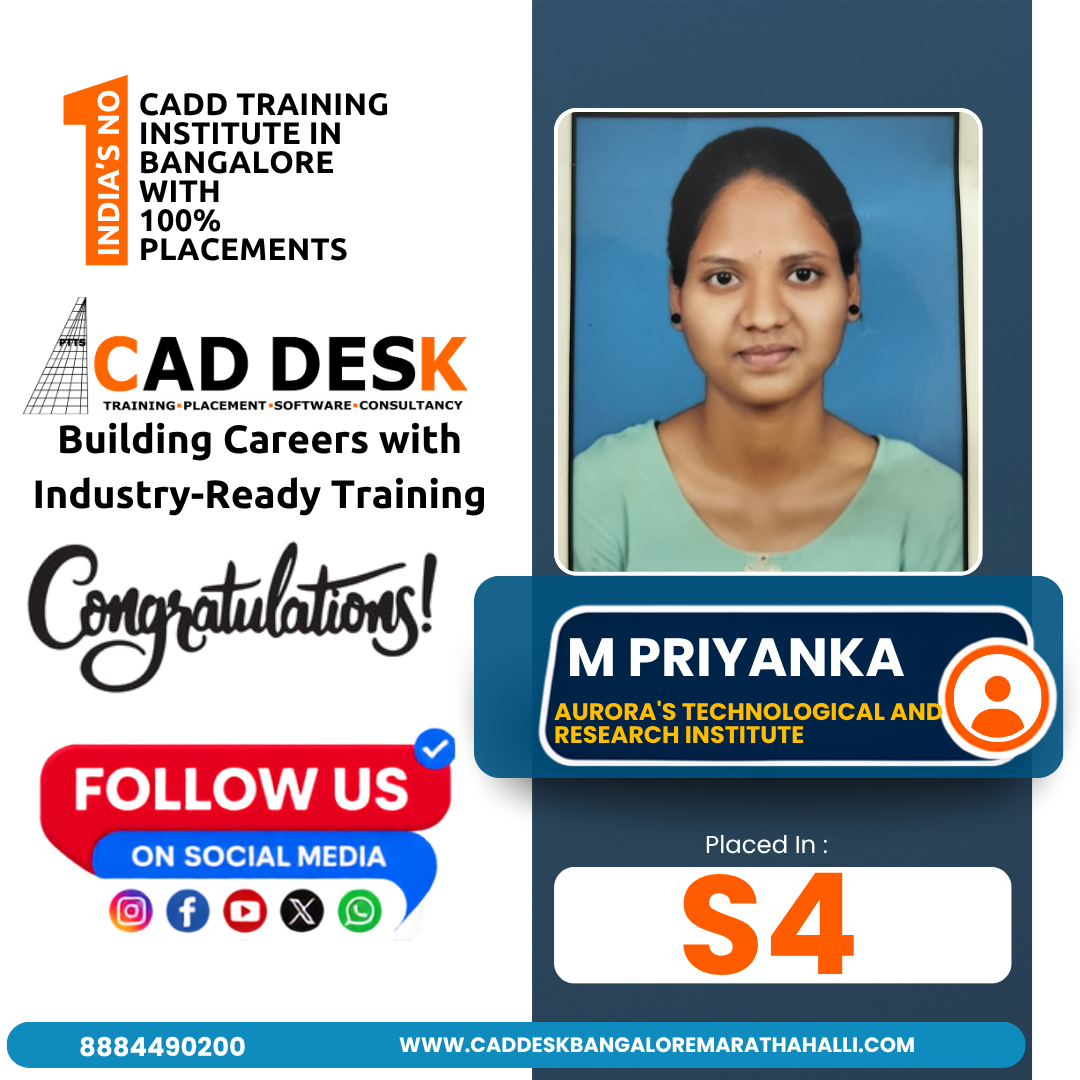
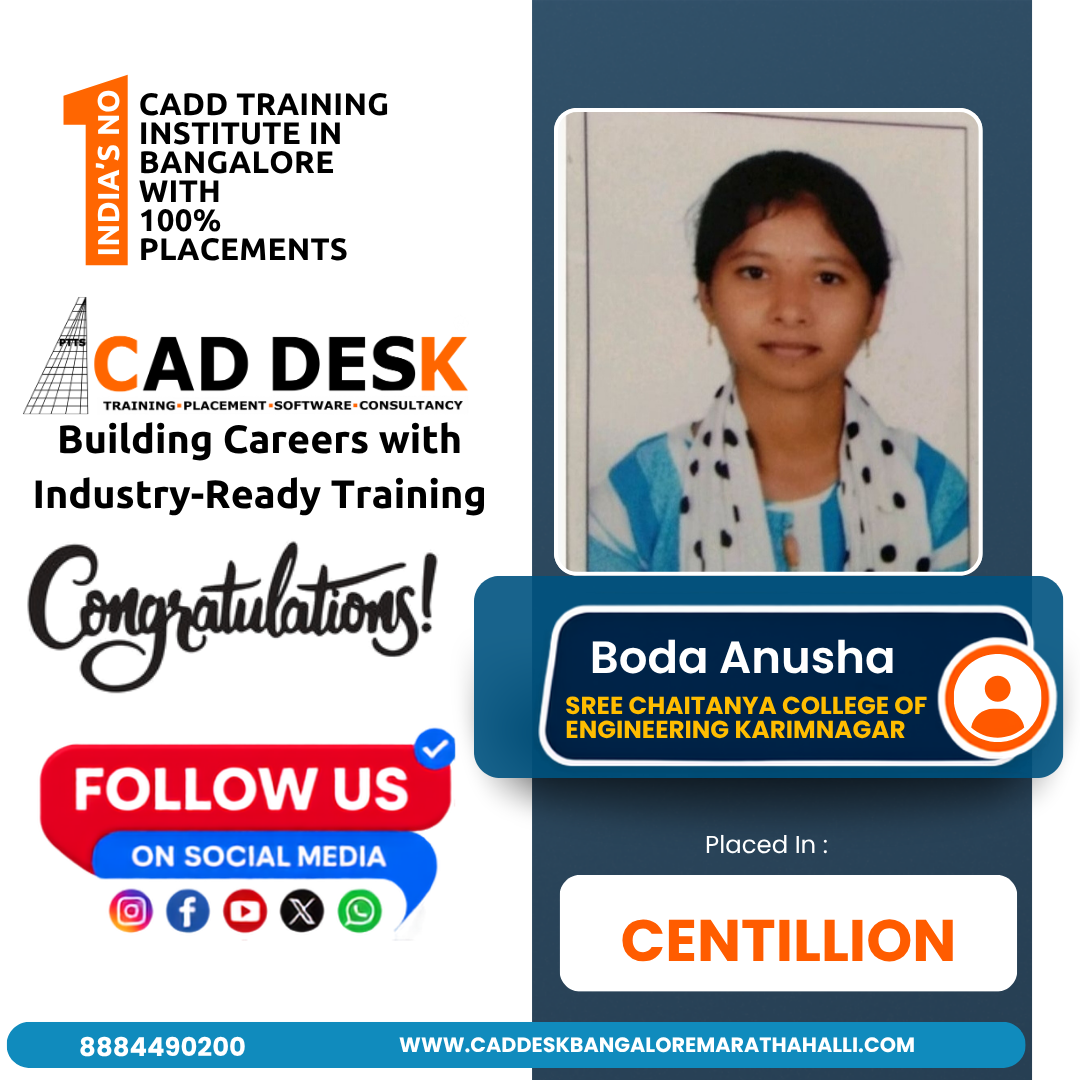
Placed Students Through CADDESK Marathahalli Bangalore

Career Opportunities After Professional Diploma Program In BIM(Mechanical) Course

BIM Coordinator

₹4L – ₹8L / yr

BIM Engineer

₹4L – ₹9L / yr

BIM Architect

₹4L – ₹10L / yr

MEP BIM Designer

₹3.5L – ₹8L / yr

BIM Modeler

₹3.5 – ₹6.5 LPA

BIM Designer

₹3 – ₹5 LPA

Build Expertise with Professional Diploma Program In BIM(Mechanical) Course

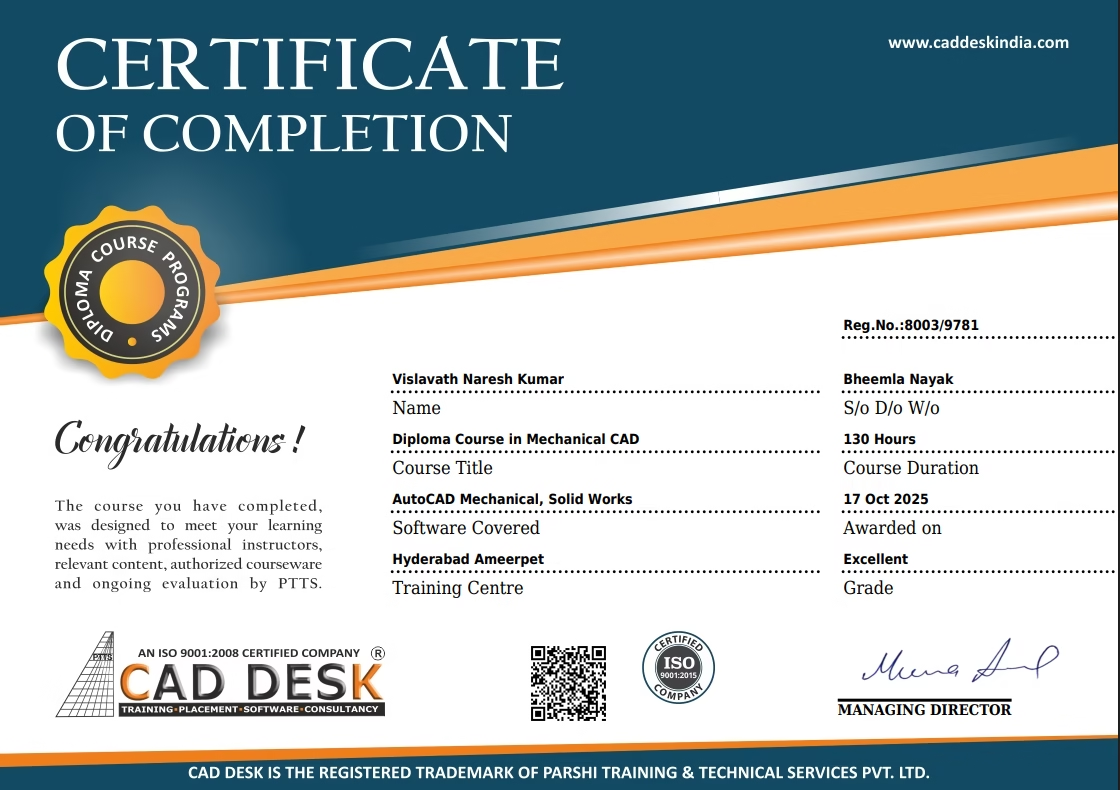
Globally Recognized Certification

Add massive value to your resume. Our certificates hold international validity and are highly respected by employers in the AEC sector across India and the Gulf region.

Why Choose CADDESK Marathahalli Bangalore

Industry Expert Trainers

Learn directly from professionals working on real-time construction and engineering projects.

100% Practical Training

Every session includes live drafting exercises, software practice, and project implementation.

Placement Assistance

Dedicated placement assistance with interview preparation and resume building.

Latest Software Versions

Practice using updated tools and workflows used in the industry.

Flexible Batches

Weekday batches available for students and working professionals.

Certification

Receive industry-recognized certification after course completion.

What Our Students Say

Explore Related Courses