4.9 | 5520 Enrolled
Master Creo Design & Build a High-Paying Mechanical Career in Bangalore
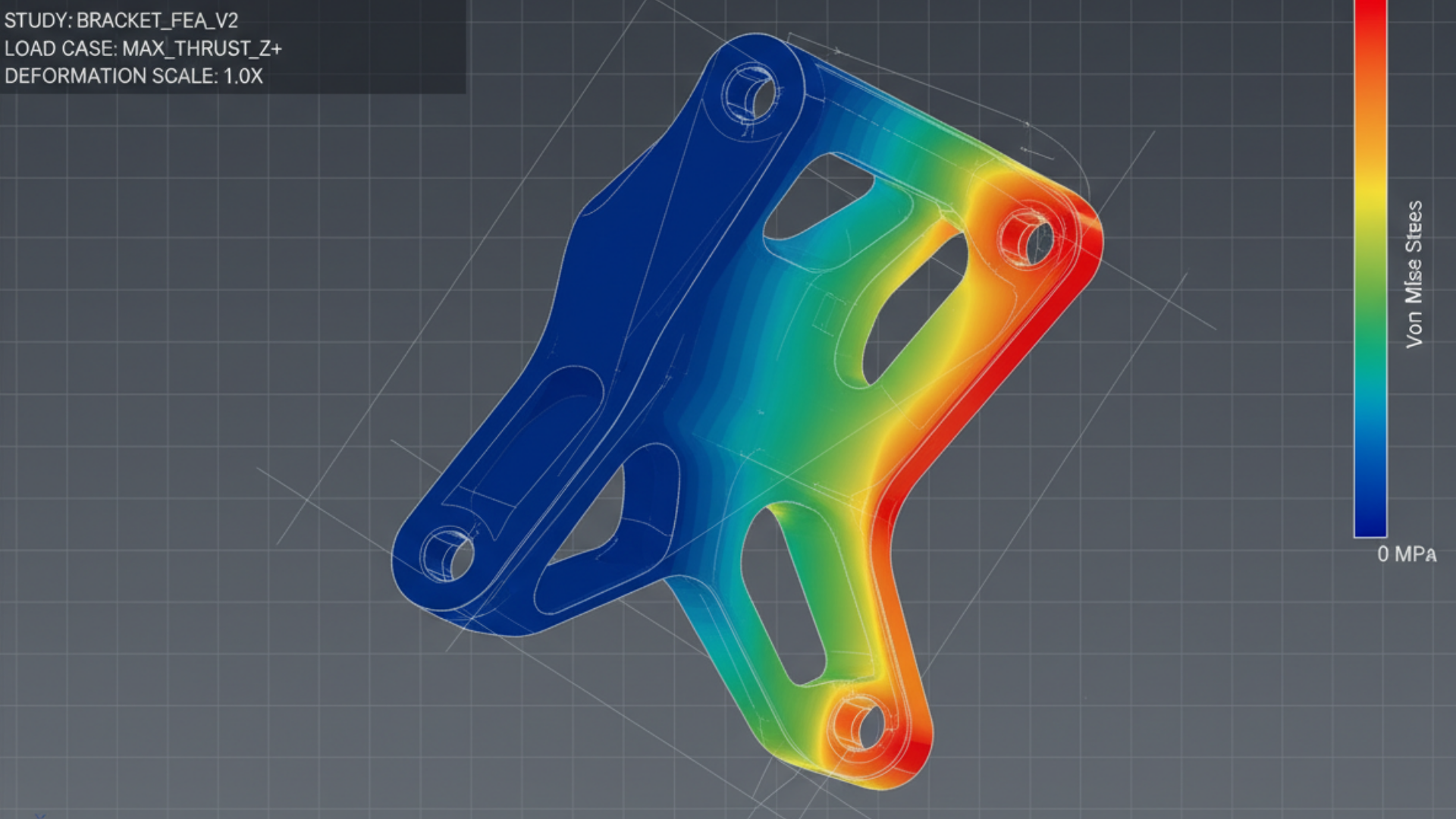
Learn Creo (PTC) with real-time projects, industry experts, and 100% placement support — even if you’re starting from zero.
What is Creo & Why is it in High Demand?
Creo is a powerful 3D CAD software used in mechanical design, product development, and manufacturing industries.
- Used in: Automotive, Aerospace, Manufacturing
- Create: 3D models, assemblies, simulations
- Industry-standard tool for engineers
Start Like Them. Succeed Like Them

























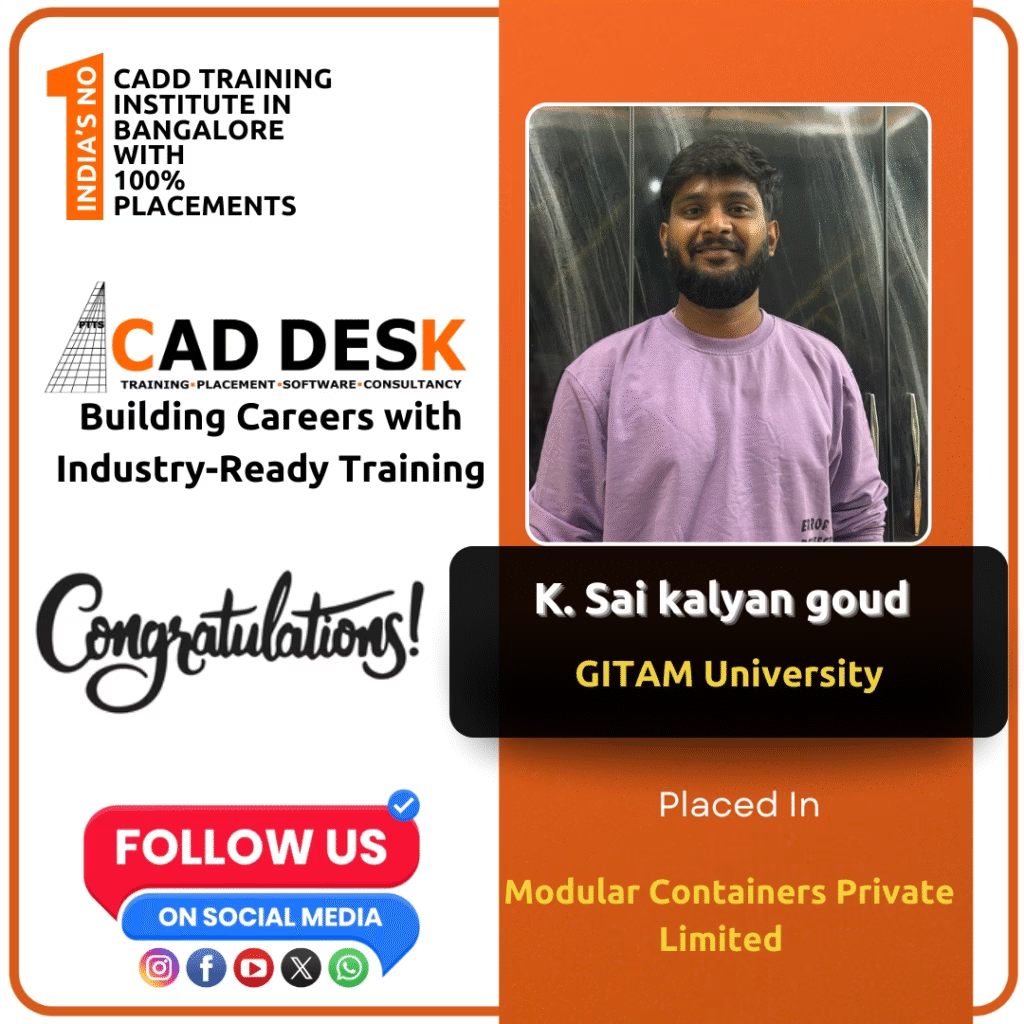




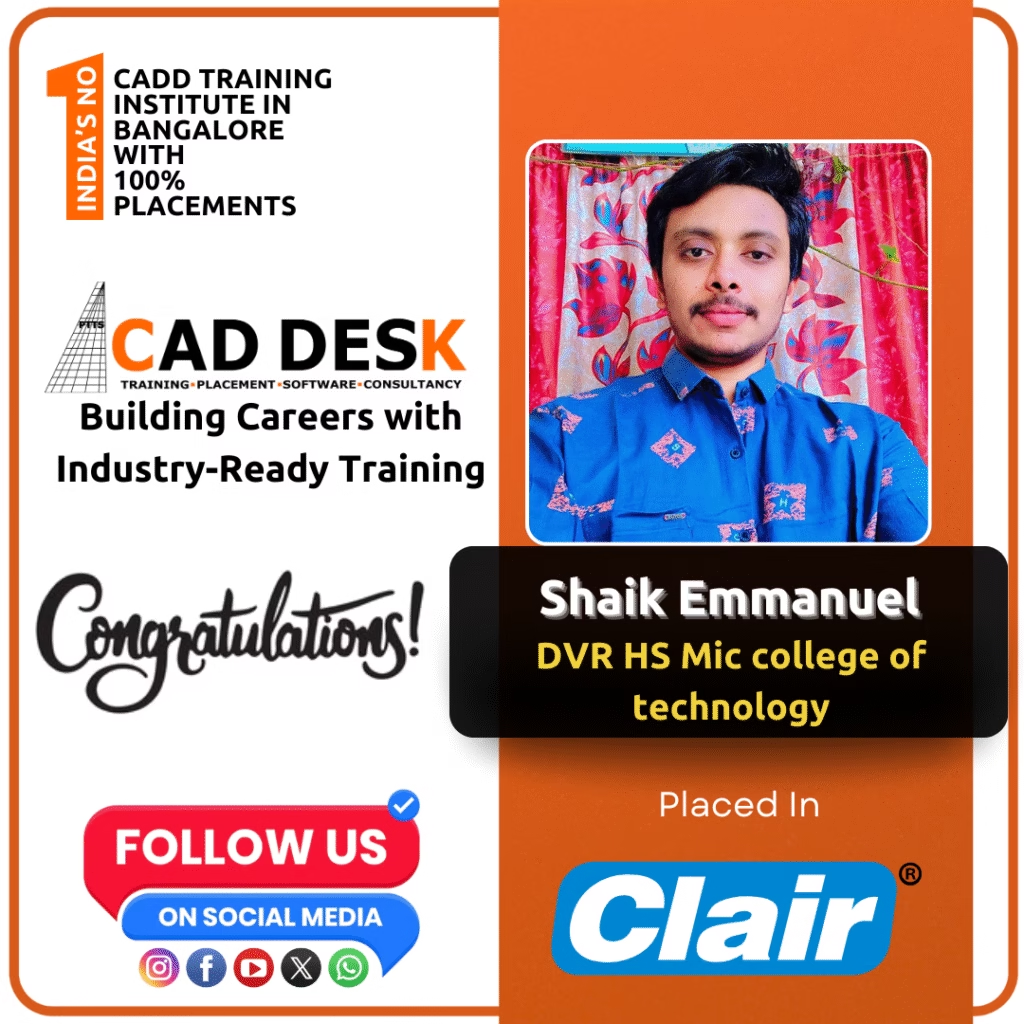




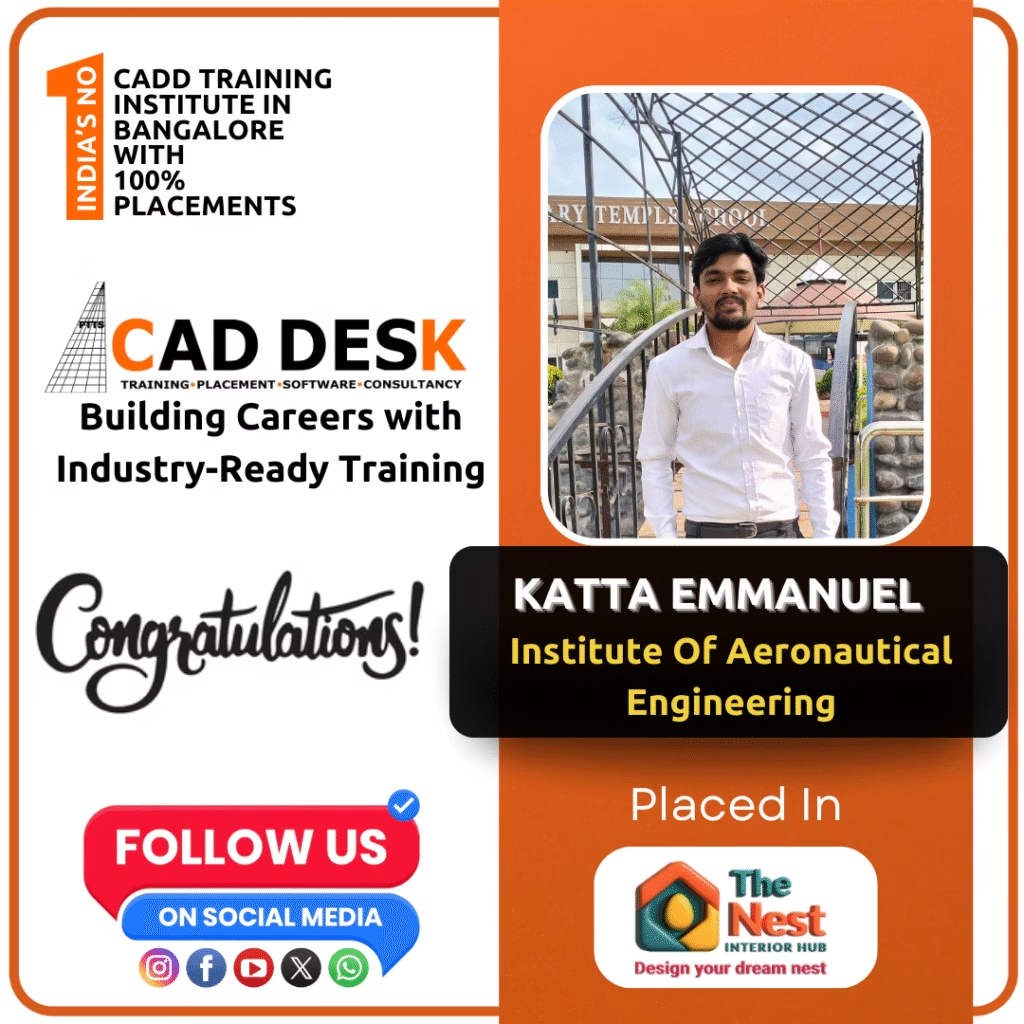





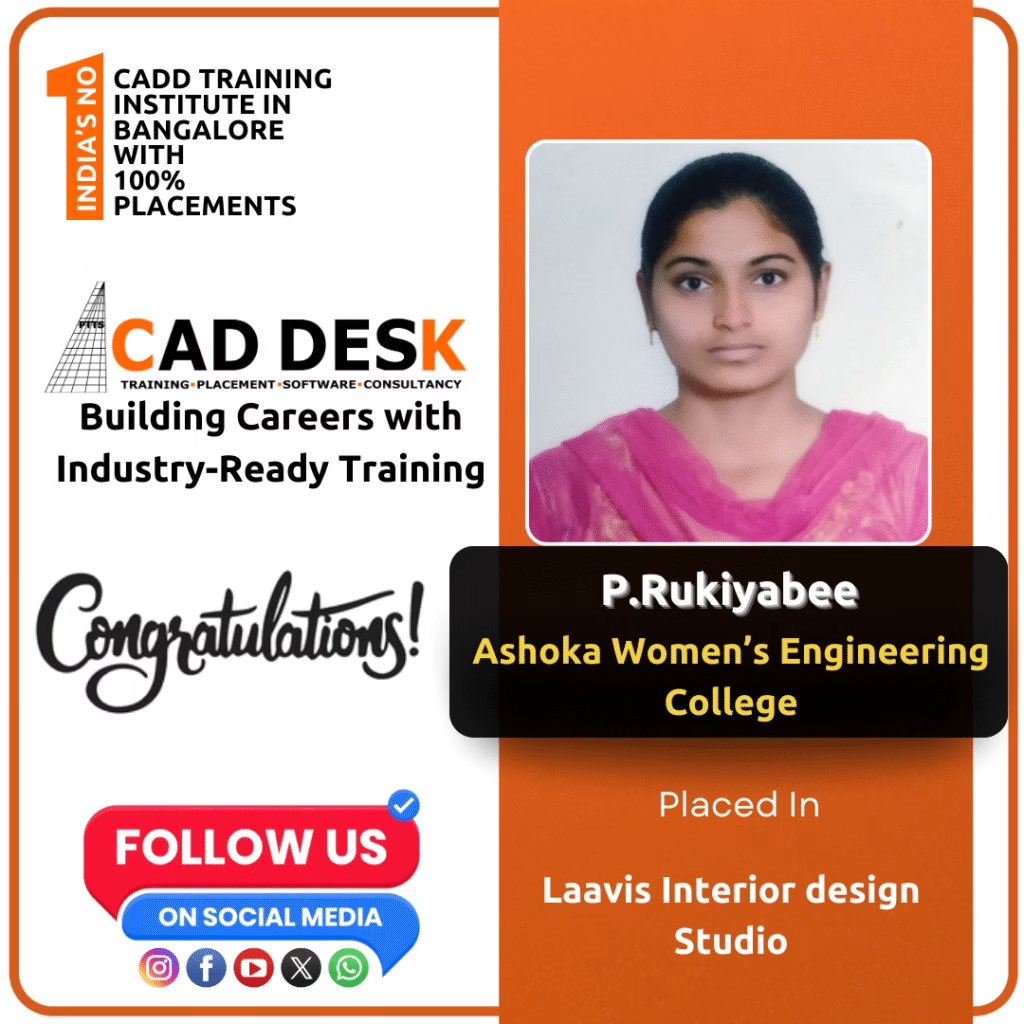






What Our Students Say
Join CADDESK Bangalore’s Creo Course & Build Your Career in Mechanical Design
Hands-on Creo Training | Flexible Timings | Placement-Focused Program
Course Curriculum Overview
- Overview of Creo and its applications in various industries.
- Understanding the user interface, navigation tools, and workspace customization.
- Creating and modifying 3D parametric models.
- Sketching basics: lines, circles, and arcs.
- Creating solid models using extrusion, revolution, and sweep features.
- Using patterns and mirroring techniques.
- Techniques for assembling multiple components into a cohesive model.
- Defining assembly constraints (coincident, distance, angle).
- Working with subassemblies and managing large assemblies.
- Understanding assembly structure and component relationships.
- Generating 2D technical drawings from 3D models.
- Creating standard views (front, top, side) and auxiliary views.
- Adding dimensions, annotations, and title blocks.
- Understanding drawing standards (ISO, ANSI).
- Sheet Metal Design
- Creating sheet metal parts and flat patterns.
- Utilizing tools for bends, flanges, and cutouts.
- Plastic Part Design
- Techniques for designing complex plastic components.
- Understanding mold design concepts and considerations.
- Using advanced modeling tools such as:
- Blends, ribs, and holes.
- Family tables for managing design variations.
- Design validation and simulation tools.
- Best practices for team collaboration using Creo.
- Introduction to PTC Windchill for data management, version control, and project organization.
- Sharing and managing CAD files efficiently.
Our Hiring Clients






















Get Industry Recognized Certification
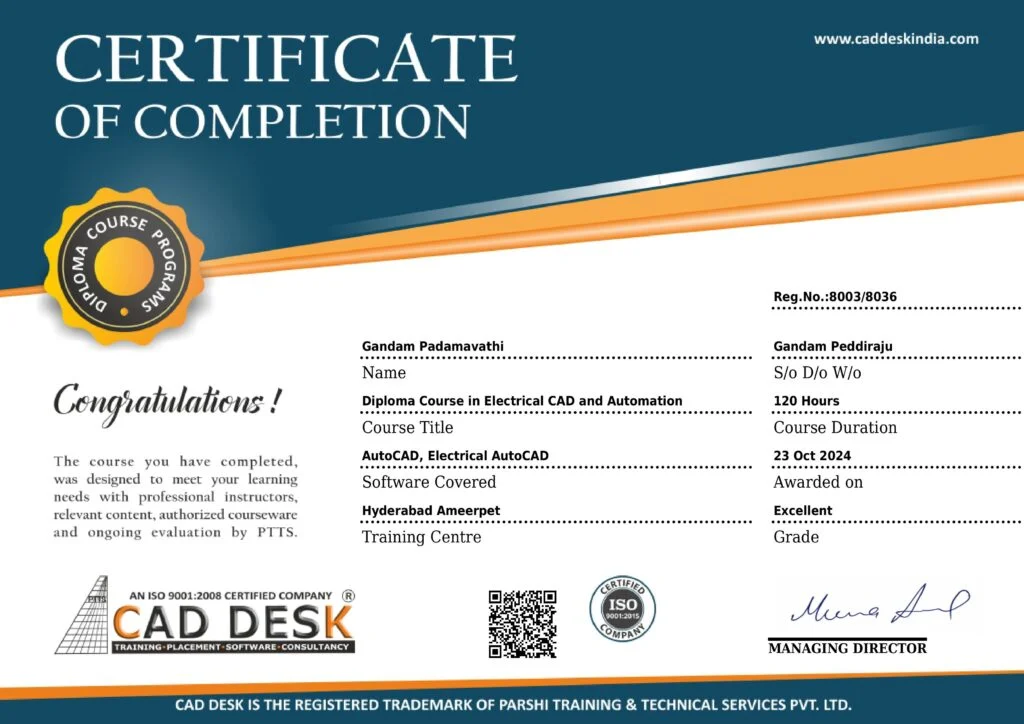
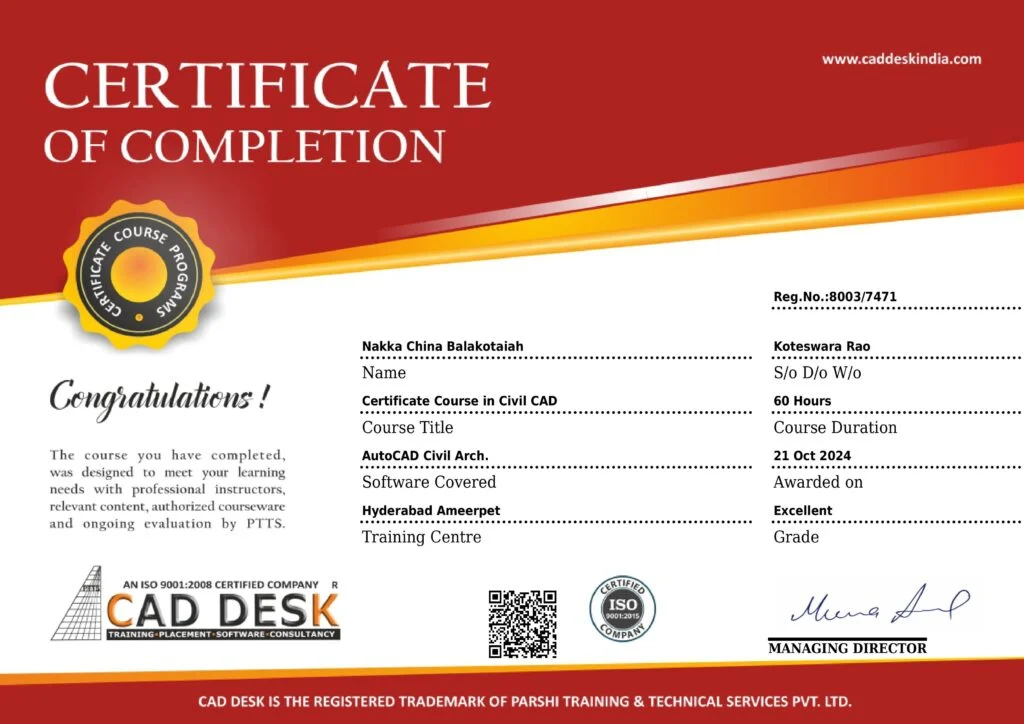
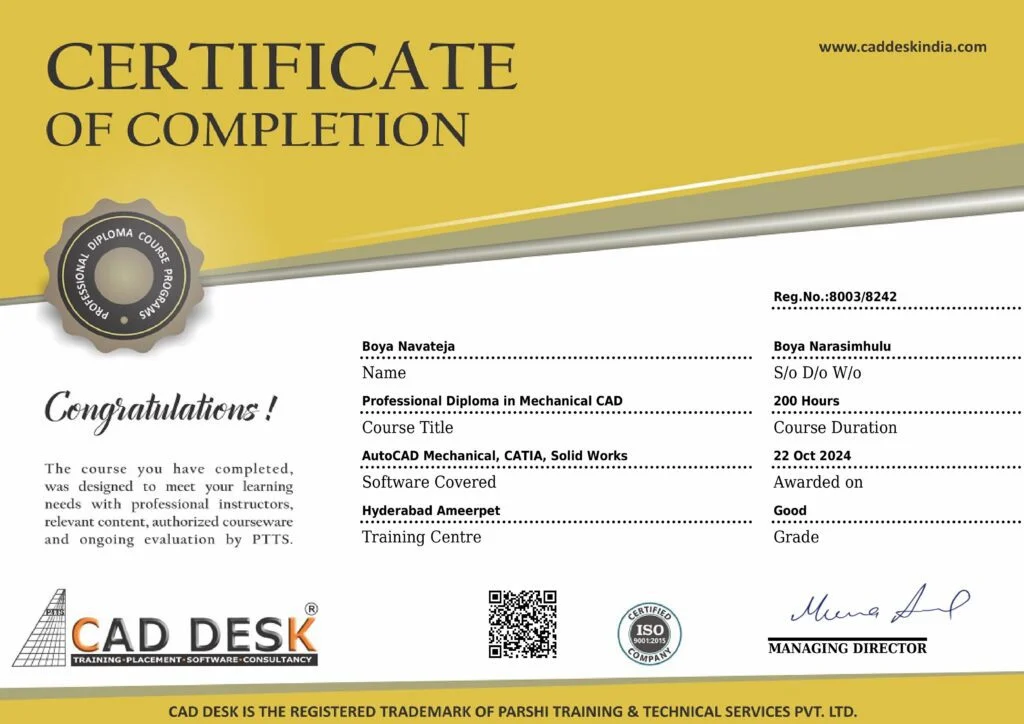
Why Learn From CADDESK Bangalore
Industry-focused training designed to make you job-ready with practical skills and real-world experience
Certified Trainers
Learn from industry professionals with real project experience in AutoCAD, engineering design, and drafting.
Industry-Aligned Curriculum
Course content is regularly updated based on current industry standards and job requirements.
Hands-on Training
Practice with real-time projects and guided sessions to build strong practical knowledge.
Small Batch Size
Get personalized attention and one-on-one support with limited students per batch.
Practical Assignments
Work on real-world drawings and projects that prepare you for actual job roles.
Placement Assistance
Get complete support with resume building, interview preparation, and job referrals.
Join CADDESK Bangalore’s Creo Course & Build Your Career in Mechanical Design
Hands-on Creo Training | Flexible Timings | Placement-Focused Program
What Our Students Say
Real experiences from learners who transformed their skills and careers with us.
Limited Seats Available – Enroll in the Next Batch.
- Flat No 102, Krishna Grand, beside Khazana Jewellery, Aswath Nagar, Marathahalli, Bengaluru, Karnataka 560037
- 8884490200